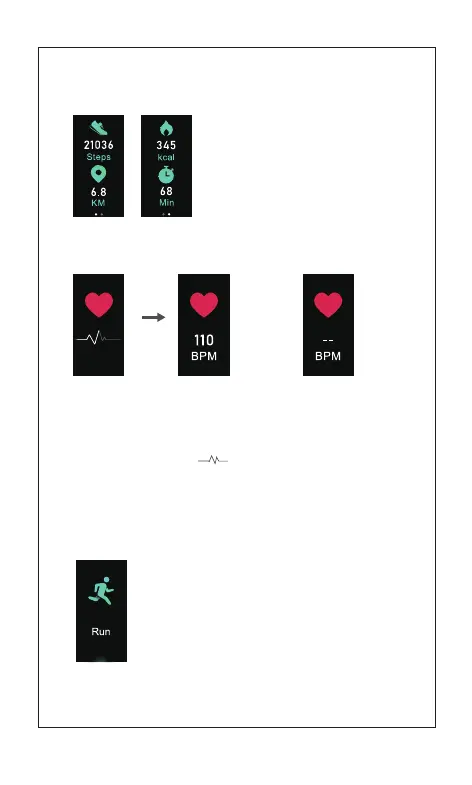
Note: Upon staying at the Heart Rate interface for 1s, start to monitor the
heart rate, and a figure like is displayed before the correct data is
monitored, and upon the correct data being monitored, data is displayed.
[Click the touch key] to enter the next mode:
Sports Mode
1.3 Heart Rate Mode
1.2.1 Data Reading Sub-Mode
05
Note: Types of Sports mode can be selected in App (App
can handle 3 types of track recording sports and 11 types
of other activities)
1.4 Sports Mode
[Press and hold the touch key for 2s] to enter the
Sports starting mode
[Click the touch key] to enter the next sports mode
[Click the touch key] to enter the next
sub-mode
Note:To go back to the Data Reading
Mode by clicking the touch key on the
final interface of Data Reading Sub-Mode
Before Data
Is Displayed
After Data
Is Displayed
On the
hand
Off the
hand



 To Next Page