EasyManua.ls Logo

PlayNetwork MC500 - Step 1: Get Familiar With the Player Features; Front View; Back View

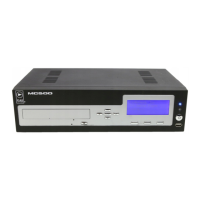
PlayNetwork MC500
8 pages
Print Icon
To Next Page IconTo Next Page
To Previous Page IconTo Previous Page
Loading...
2
STEP 1. GET FAMILIAR WITH THE PLAYER FEATURES
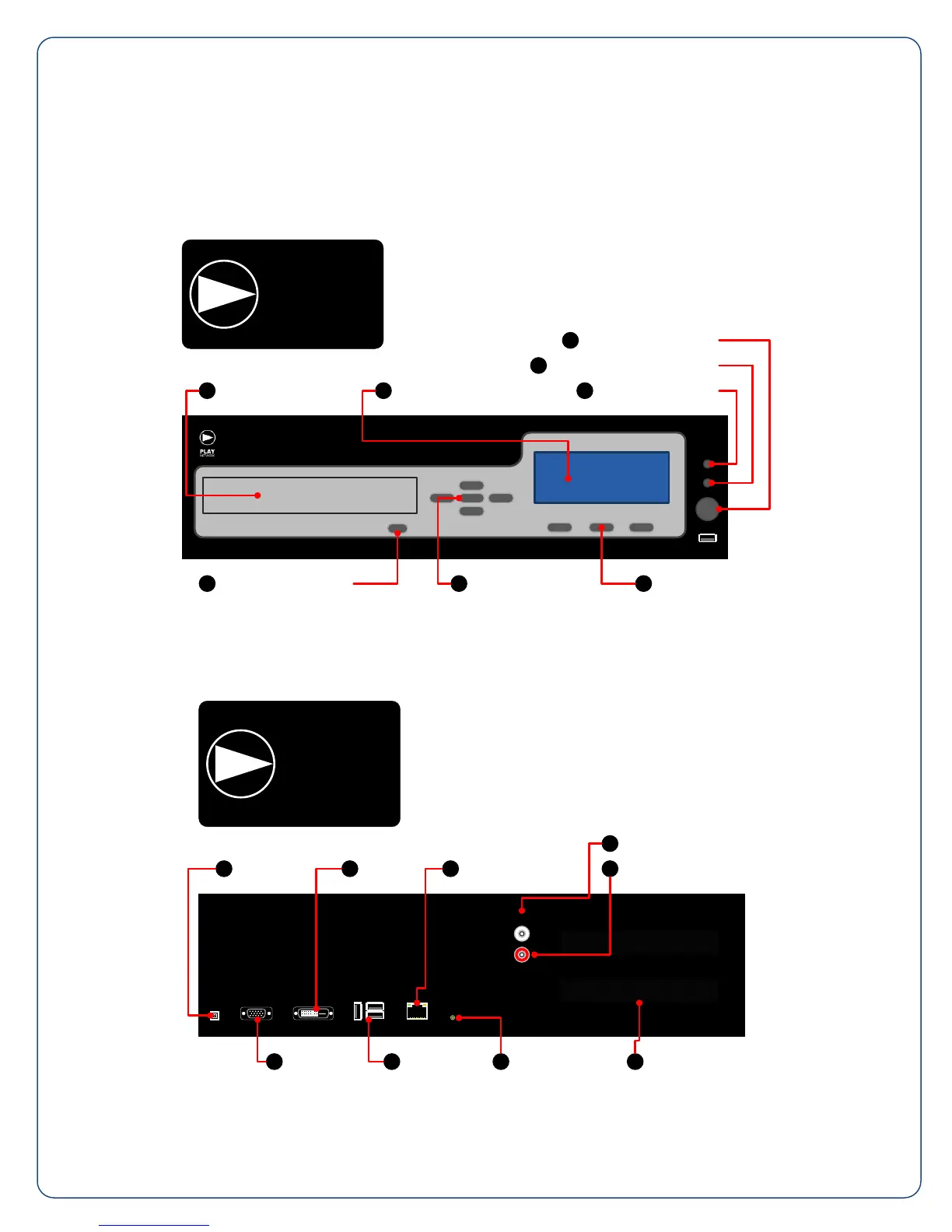
Front View
A. CD-ROM Drive
B. LCD Display
C. Power/Standby Button
D. Hard Drive Activity Indicator
E. Power On Indicator
F. Shortcut Keys
G. Navigation Buttons
H. CD-ROM Eject Button
C
Power/Standby Button
CD-ROM Drive
A
H
CD-ROM Eject Button
G
Navigation Buttons
D
Hard Drive Activity Indicator
LCD Display
B
Shortcut Keys
F
E
Power On Indicator
Back View
I. Power Inlet
J. DVI Port (reserved)
K. Network Connector
L. Zone 1 Output
M. Zone 2 Output
N. Vents
O. Stereo Mini Jack (reserved)
P. USB Ports (reserved)
Q. VGA Port (reserved)
ZONE 1
ZONE 2
Power Inlet
I
DVI Port
J
Network Connector
K
Zone 1 Output
L
Zone 2 Output
M
Vents
N
Stereo Mini Jack
O
USB Ports
P
VGA Port
Q

Other manuals for PlayNetwork MC500