4. MULTI-PHOTO MAKER
With the Photo Maker, you can take cool group pictures.
First, press the Left or Right cursor button to select a theme. In the selected theme, follow
the frames to take different pictures of your friends using the Shutter Button.
If you want to set a 5 second timer, select the timer button before hitting the Shutter
Button.
5. GALLERY
You can view your pictures/videos taken in the Gallery.
6. PHOTO EFFECTS
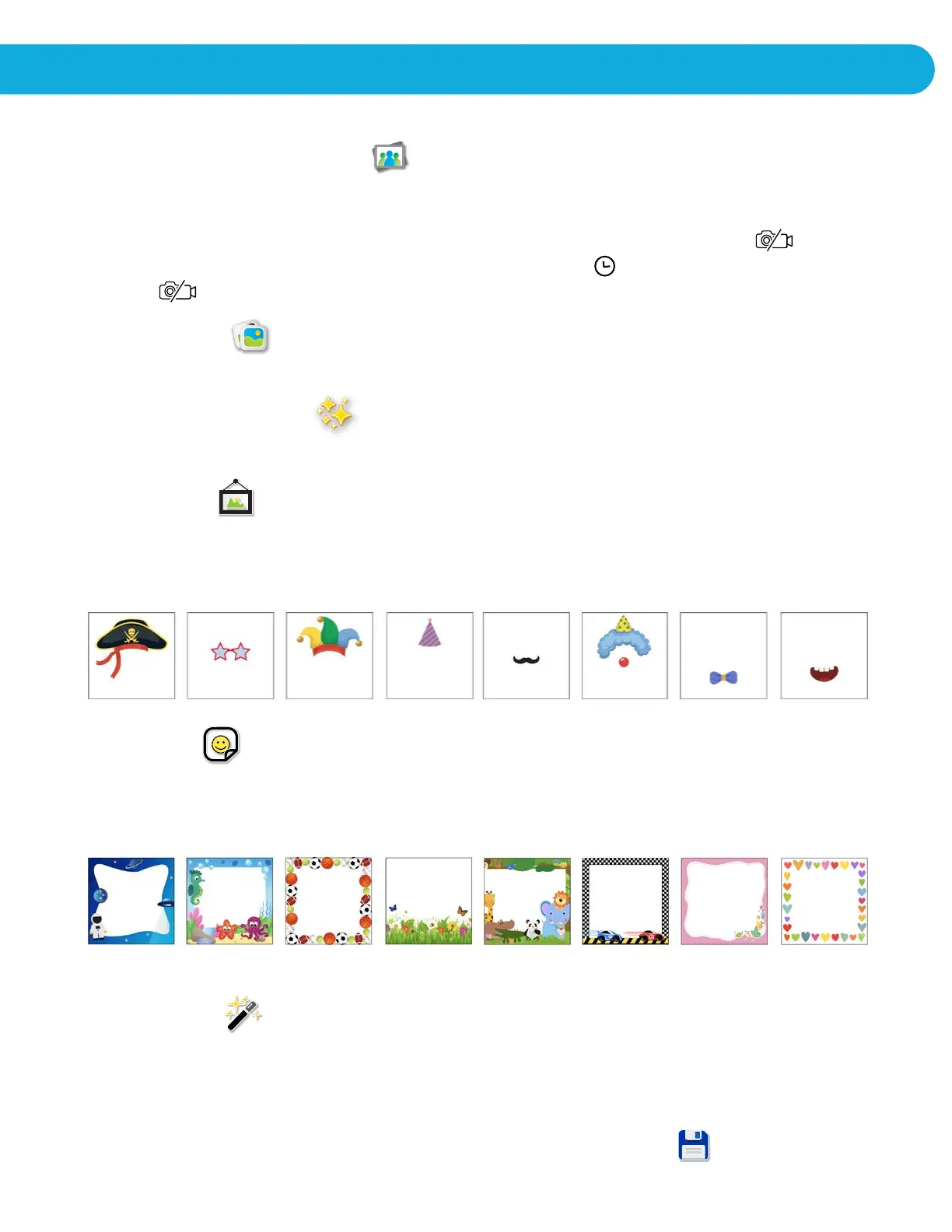
Choose this icon to add fun photo frames, fun stickers and special effects.
Photo Frames
To select a photo frame for your picture, press left or right cursor button and hit the OK
button to confirm.
Fun Stickers
To select a fun sticker for your picture, press left or right cursor button and hit the OK
button to confirm.
Special Effects
To apply a special effect for your picture, press the left or right cursor button and hit the
OK button to confirm.
Once you have applied all of your photo effects, hit the save button.
ACTIVITIES


 To Next Page