6
9. Current level of fuel inside the feeder.
10. Current preset temperature inside the
room.
11. Number of available main screens with
the indication of which is currently
displayed.
12. Current preset day or night temperature
indicator.
13. Access to main Menu.
8.3 Operation modes
The settings of the wireless room panel
operating modes are available in the menu:
Menu → Operation modes
8.3.1 Schedule
Preset room temperature is determined in
accordance with a time schedule. Night
preset temperature (economic) or Day
preset temperature (comfort) is set in the
following menu:
Temperature settings → Night
temperature or Day temperature
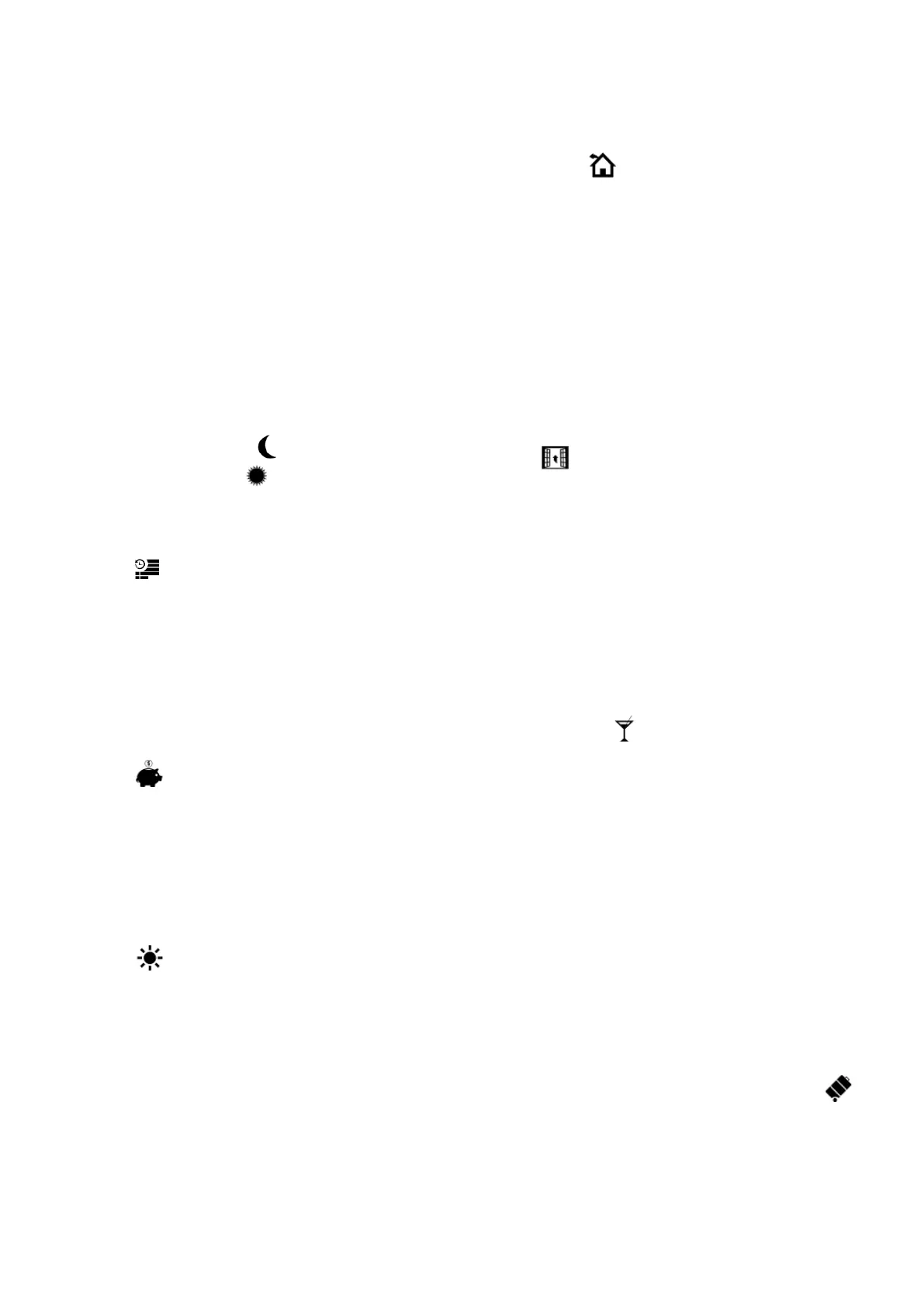
The symbol is displayed on the panel
screen.
8.3.2 Economy
The main controller works with a constant
Economic preset temperature, set in the
following menu:
Temperature settings → Night
temperature
The symbol is displayed on the panel
screen.
8.3.3 Comfort
The main controller works with a constant
Comfort preset temperature:
Temperature settings → Day
temperature
The symbol is displayed on the panel
screen.
8.3.4 Out of home
Existing temperature setting can be
exchanged for a preprogrammed period of
1÷60 h with economic temperature set in
the following menu:
Temperature settings → Night
temperature
After this mode is activated, its duration has
to be set within a range of 1÷60 h, in 1 h
increments. After this period, the controller
switches to the mode in which it has been
operating before the Out of home mode was
set. The symbol is displayed on the
panel screen.
8.3.5 Airing
Selection of this mode will result in closing
the mixing valves and switching the
circulating pumps off in the controller for a
preprogrammed period of 1÷60 min. After
this mode is activated, its duration has to be
set within a range of 1÷60 h, in 1 h
increments. After this period, the controller
switches to the mode in which it has been
operating before the Airing mode was set.
The symbol is displayed on the panel
screen.
8.3.6 Party
Existing temperature setting can be changed
to any temperature setting for a
preprogrammed period of 1÷48 h. After this
mode is activated, a required temperature
and its duration has to be set within a range
of 1÷60 h, in 1 h increments. After this
period, the controller switches to the mode in
which it has been operating before this mode
was set. The symbol is displayed on the
panel screen.
8.3.7 Holidays
Existing temperature setting can be changed
by entering one constant temperature, which
will be valid for a preprogrammed period of
1÷60 h. This function is useful in case of a
holiday trip. After this mode is activated, a
required temperature and its duration has to
be set within a range of 1÷60 days, in 1 day
increments. After this period, the controller
switches to the mode in which it has been
operating before this mode was set.
Activation of this mode will additionally result
in setting a preset temperature of hot utility
water on the controller to 8°C. The
symbol is displayed on the panel screen.


 To Next Page