3
3
4
1
2
3
4
1
2
● When using the stand
Assembly of the stand See Page 3
* The stand may be an option.
* The printer may be an option.
Assembly of the printer tray See Page 9
Printer installation See Page 10
Test print See Page 12
Wall mounting See Page 6
Assembly of the printer tray See Page 9
Printer installation See Page 10
Test print See Page 12
● When mounting to a wall
(Please consult with a dealer or installation tradesman. Installation work should not be done by the customer.
The installation method will change depending on the type of installation. Please perform installation and assem-
bly according to the following procedures.
3. COPYBOARD INSTALLATION PROCEDURE
4. ASSEMBLY OF THE STAND
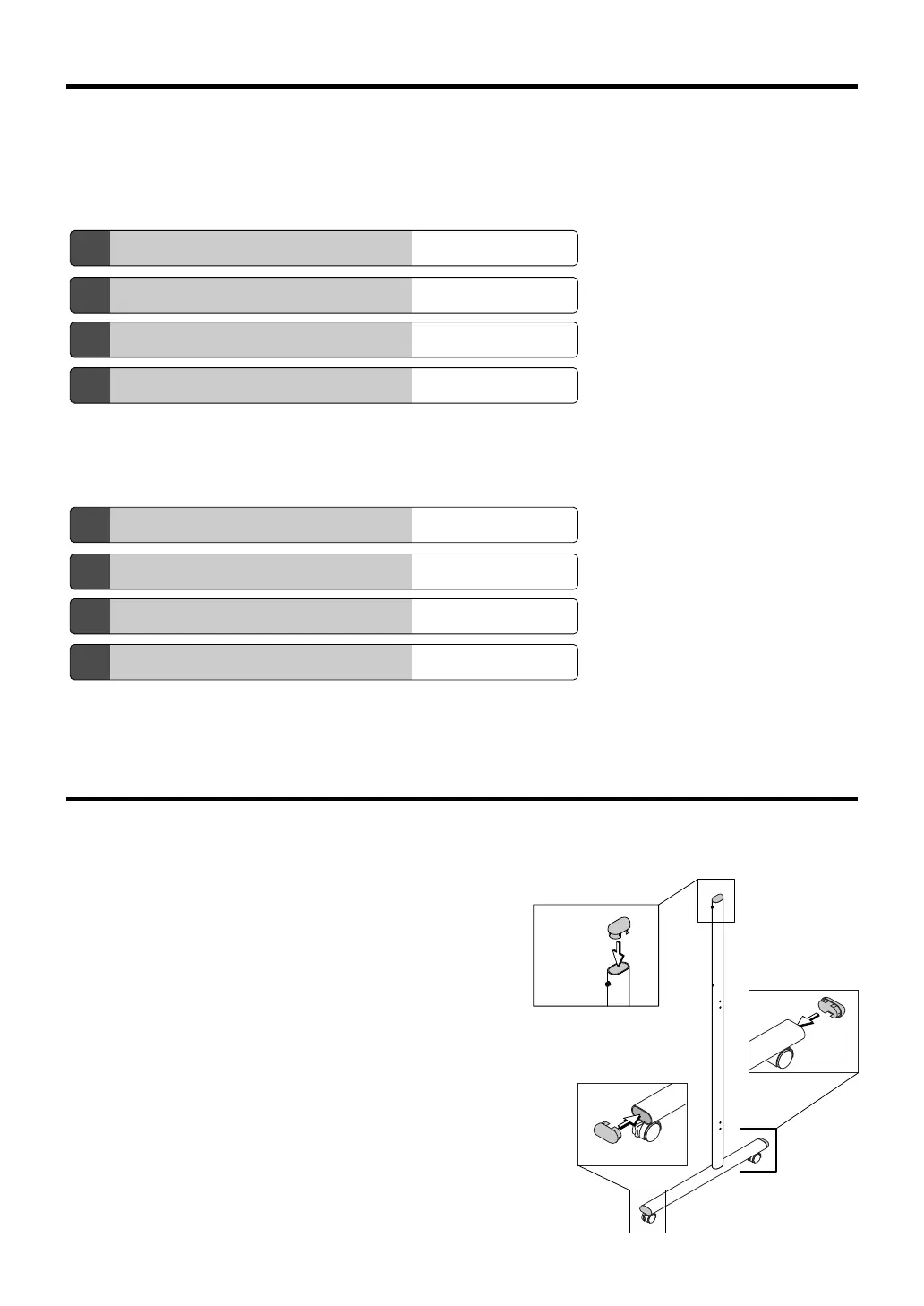
(1) Push the pipe caps into the front and back of the T-shape legs. (2 pipe caps)
(2) Push the caps into the tops of the T-shape legs. (2 caps)
Frame Cap
Pipe Cap
Pipe Cap



 To Next Page