38
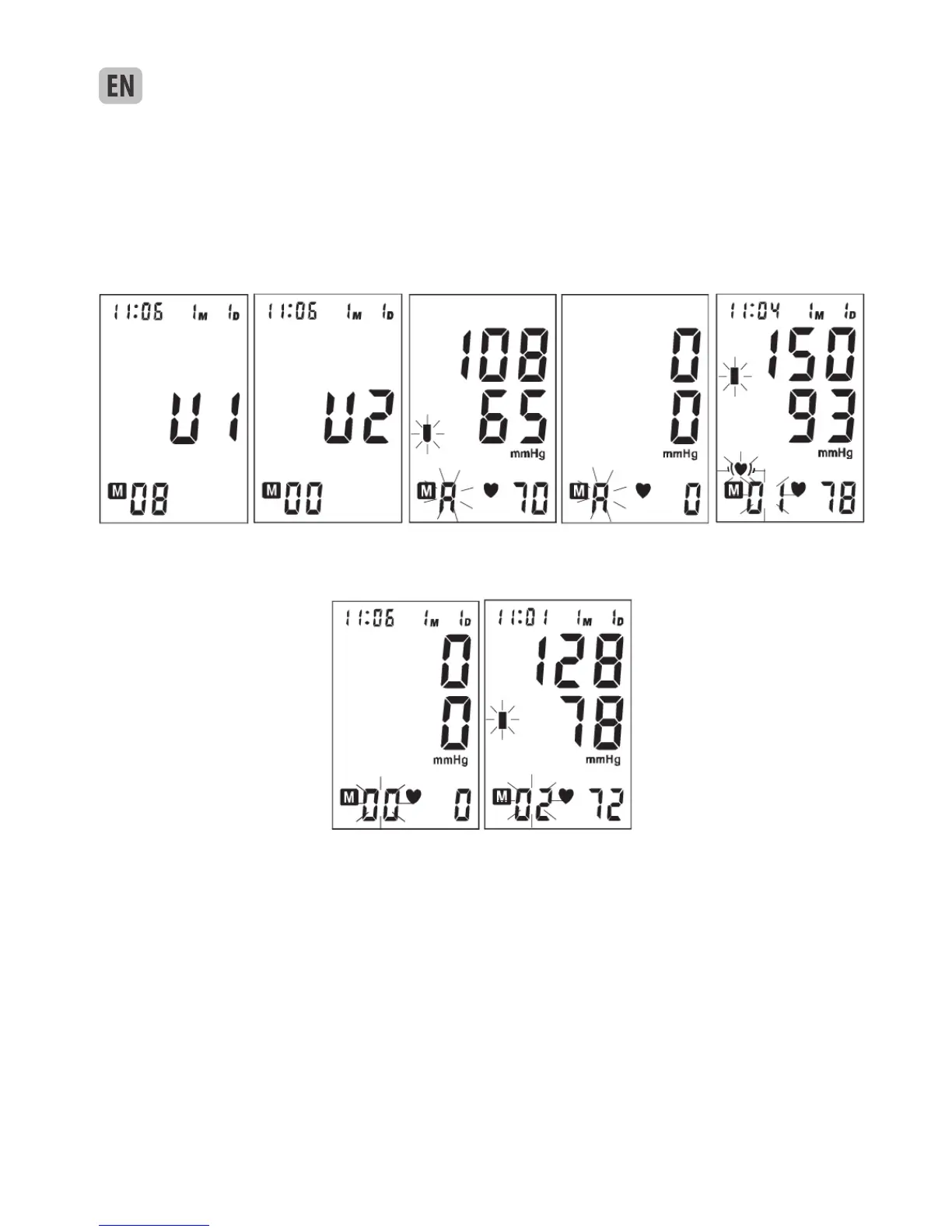
c. When displaying the average value, pressing “MEM”
Resim 8 Resim 8-1 Resim 8-2 Resim 8-3 Resim 8-4
Resim 8-5 Resim 8-6
button, the last result will be displayed with date and time stamp. See picture 8-4. The irregular
heartbeat symbol (if any) and blood pressure classification indicator will blink at the same time. If the
monitor has no result stored in the current memory bank, the LCD will display “0” for blood pressure
and pulse rate. See picture 8-5.
d. Press “MEM” button again to review the next result. See picture 8-6. In this way, repeatedly pres-
sing the “MEM” button displays the respective results measured previously.
e. If the voice function is on, the monitor will announce each result displaying on the screen.
f. When displaying the stored results, the monitor will turn off automatically after 2 minu-
tes of no operation. You can also press the button “START” to turn off the monitor manually.
Picture 8 Picture 8-1 Picture 8-2 Picture 8-3 Picture 8-4
Picture 8-5 Picture 8-6
8. DISPLAYING STORED RESULTS
a. In Clock Mode, press “MEM” button, the current memory bank and the amount of results in this bank will
be displayed. See picture 8. Press “START” button to change over to other bank. See picture 8-1. Conrm
your selection by pressing “MEM” button. The current bank can also be conrmed automatically after 5
seconds with no operation.
b. After selecting the memory bank, LCD will display the average value of the last three results. See picture
8-2. If no result stored in the current memory bank, LCD will display “0” for blood pressure and pulse rate.
See picture 8-3.



 To Next Page