Seite 5 von 11
Note:
To prevent the protective shield from becoming dirty, we recommend that you do not
touch it. If the protective shield does become dirty, please follow the cleaning
instructions in your user manual.
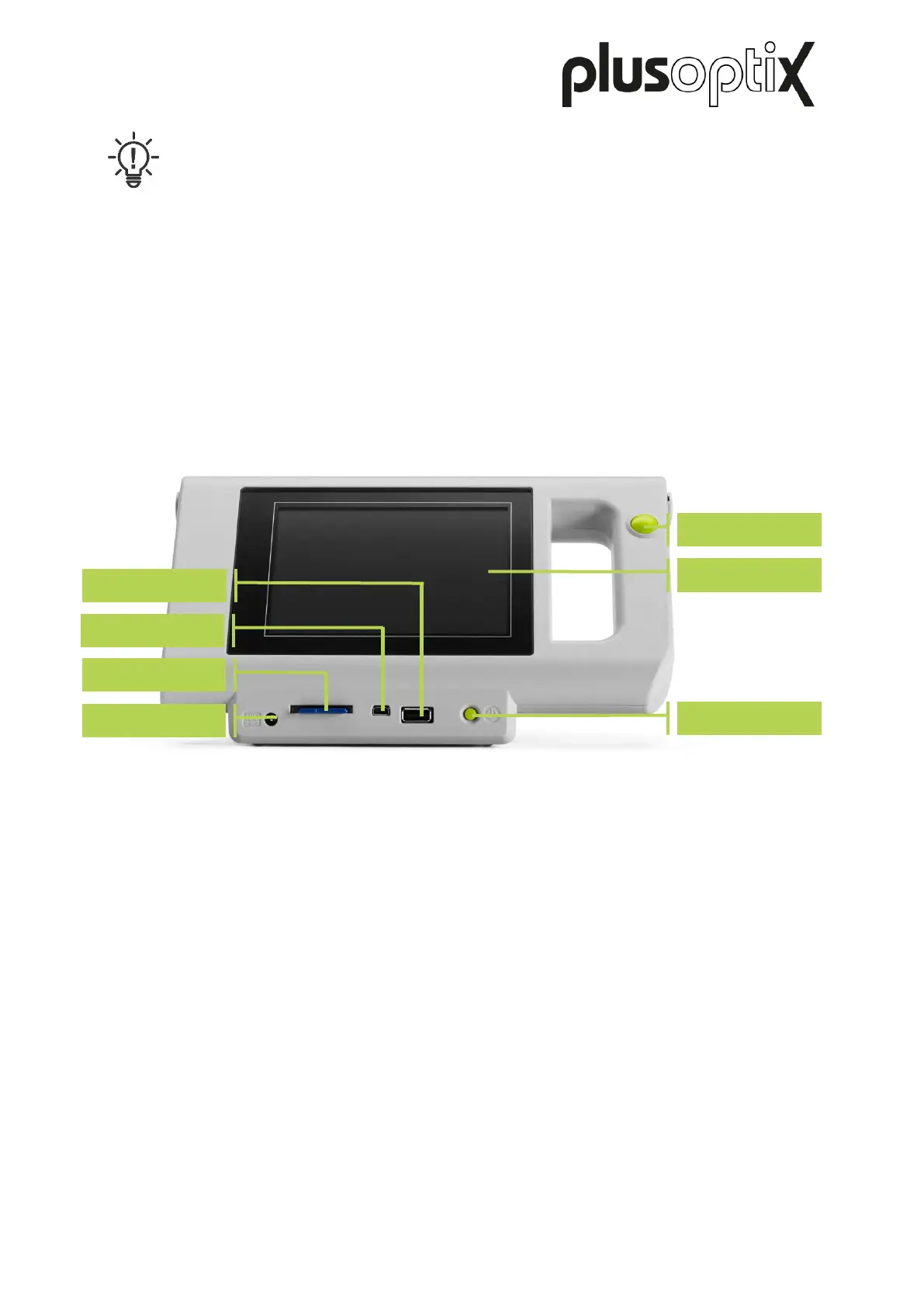
„plusoptiX A12C“ has a 5.7 inch screen with capacitive touch sensor located on the rear side
of the device. To activate one of the functions displayed on the screen, all you need to do is
gently touch the screen. The screen and touch sensor are protected from damage behind a
thin glass shield.
„plusoptiX A12R“ has a 4.3 inch screen with resistive touch sensor located on the rear side
of the device. To call up a function displayed on the monitor screen, it is sufficient to tap the
screen with the tip of your finger or with your finger nail. Screen and touch sensor are
protected behind a thin transparent plastic cover.
Figure 2: Rear view of the device



 To Next Page