Seite 9 von 11
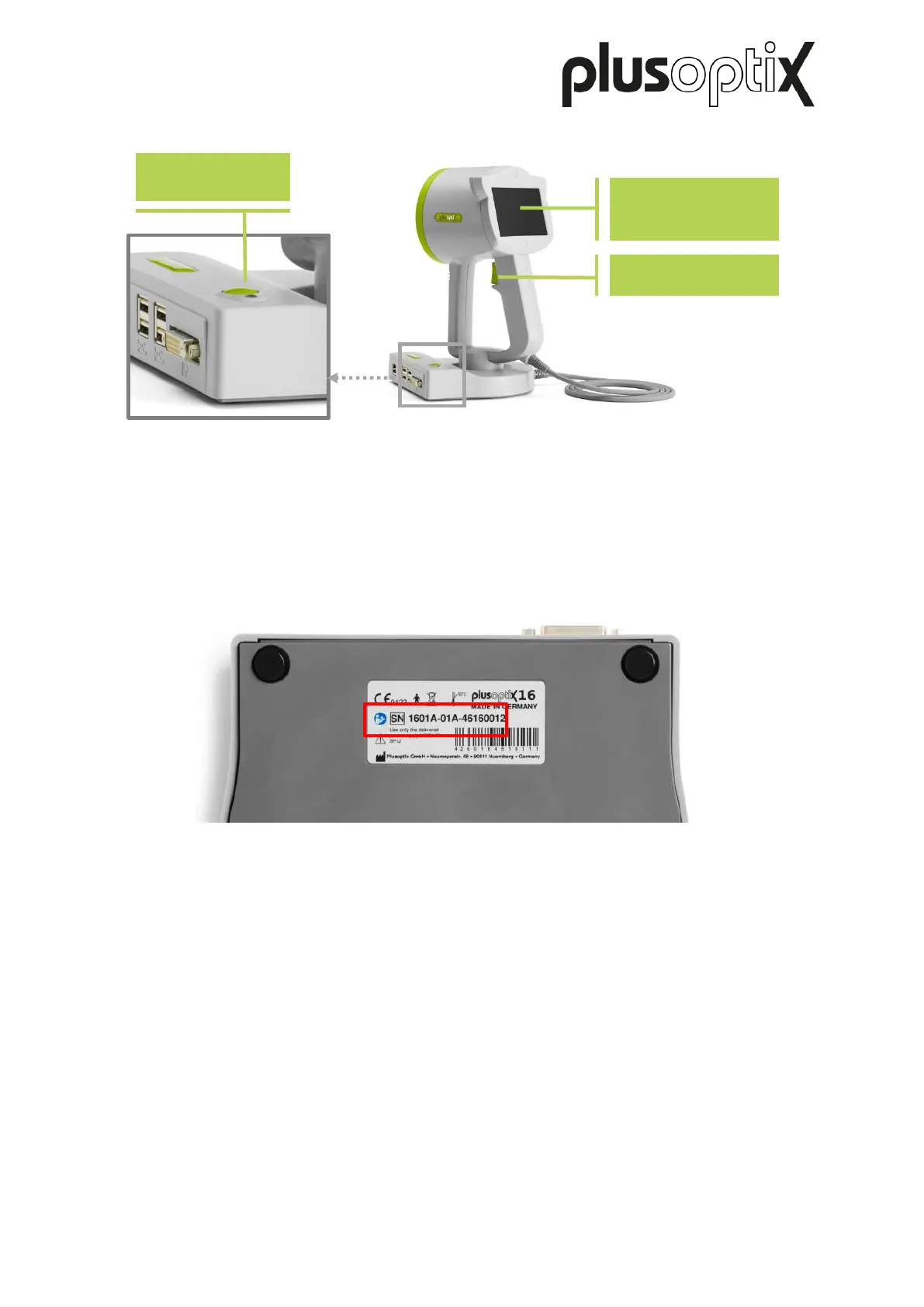
The type plate with serial number (S/N 1601A-xxx-xxxx xxxx) can be found on the bottom of
the cradle. If you contact us regarding ongoing service or guarantee issues, please make
sure you always have the serial number of your “plusoptiX A16”. The serial number helps us
to answer your question quickly.
3.1. Connecting the „plusoptiX A16“
Connect the medical power supply to the power cord and then plug this in. The LED on the
power supply lights up green for confirmation. Then connect the medical power supply to the
“plusoptiX A16”.
Figure 5: Underside of the cradle with type plate
4,3‘‘ screen (touch
screen)
Figure 4: View of reverse side



 To Next Page