21
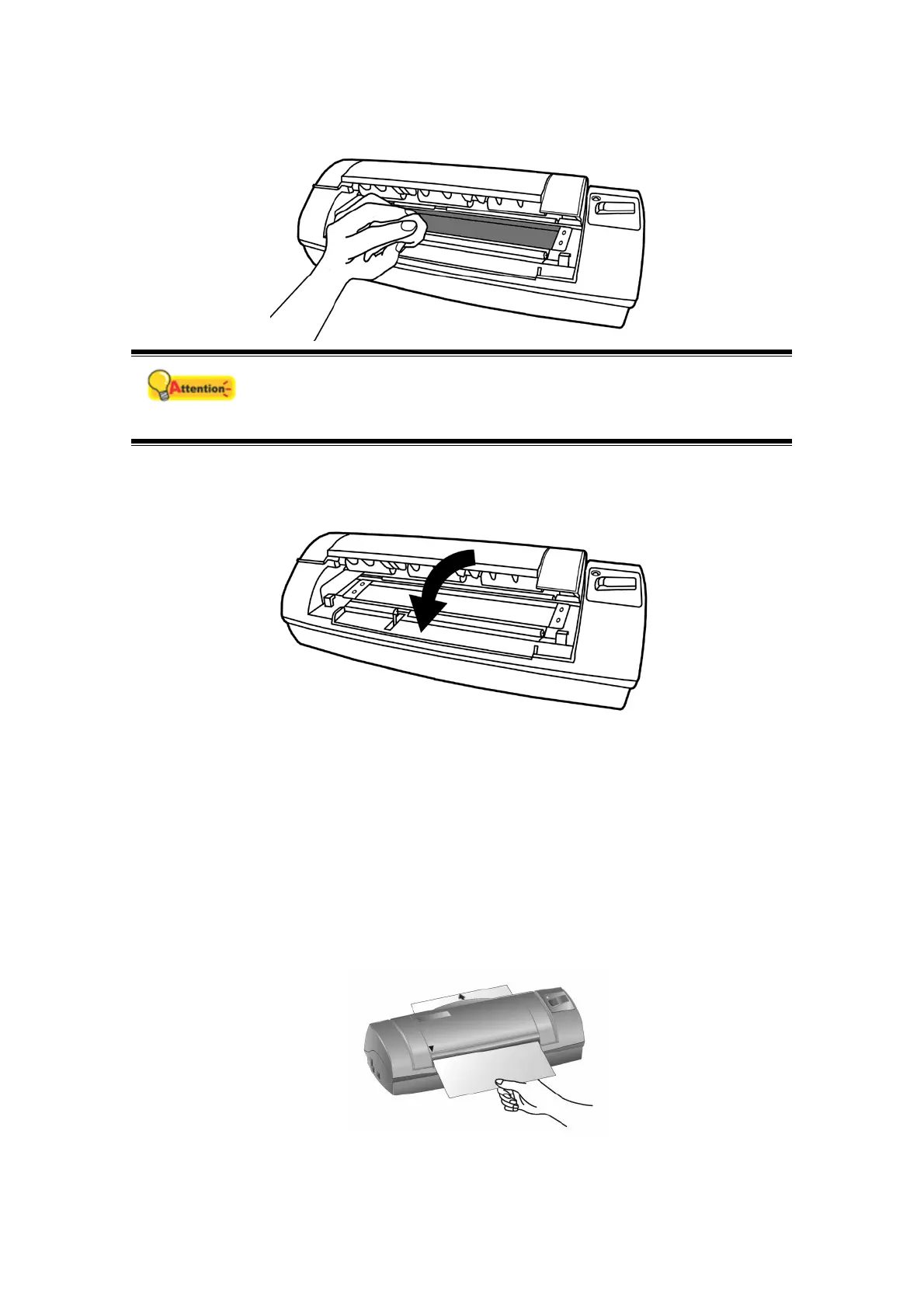
3. Clean the glass side to side. Repeat this until its entire surface is cleaned.
Attention
Do not spray cleaner directly onto the scanner glass. Excess liquid
residue may fog or damage the scanner.
4. Wait for cleaned areas to dry completely.
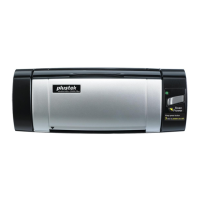
5. Press down the revolt bracket until it snaps back into place.
Calibrating the Scanner
Calibrate the scanner if colors appear in areas that should be white, or colors of the
scanned image and the original vary a lot. This allows you to adjust and compensate
for variations that can occur in the optical component over time by its nature.
The following describes how to calibrate the scanner:
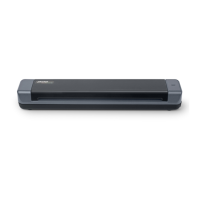
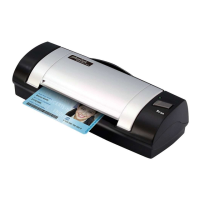
1. Insert the special calibration sheet face up into the page feed slot of the
scanner.








 To Next Page