Contents [ hide
1 Plustek OpticPro Series Quick Start
Guide
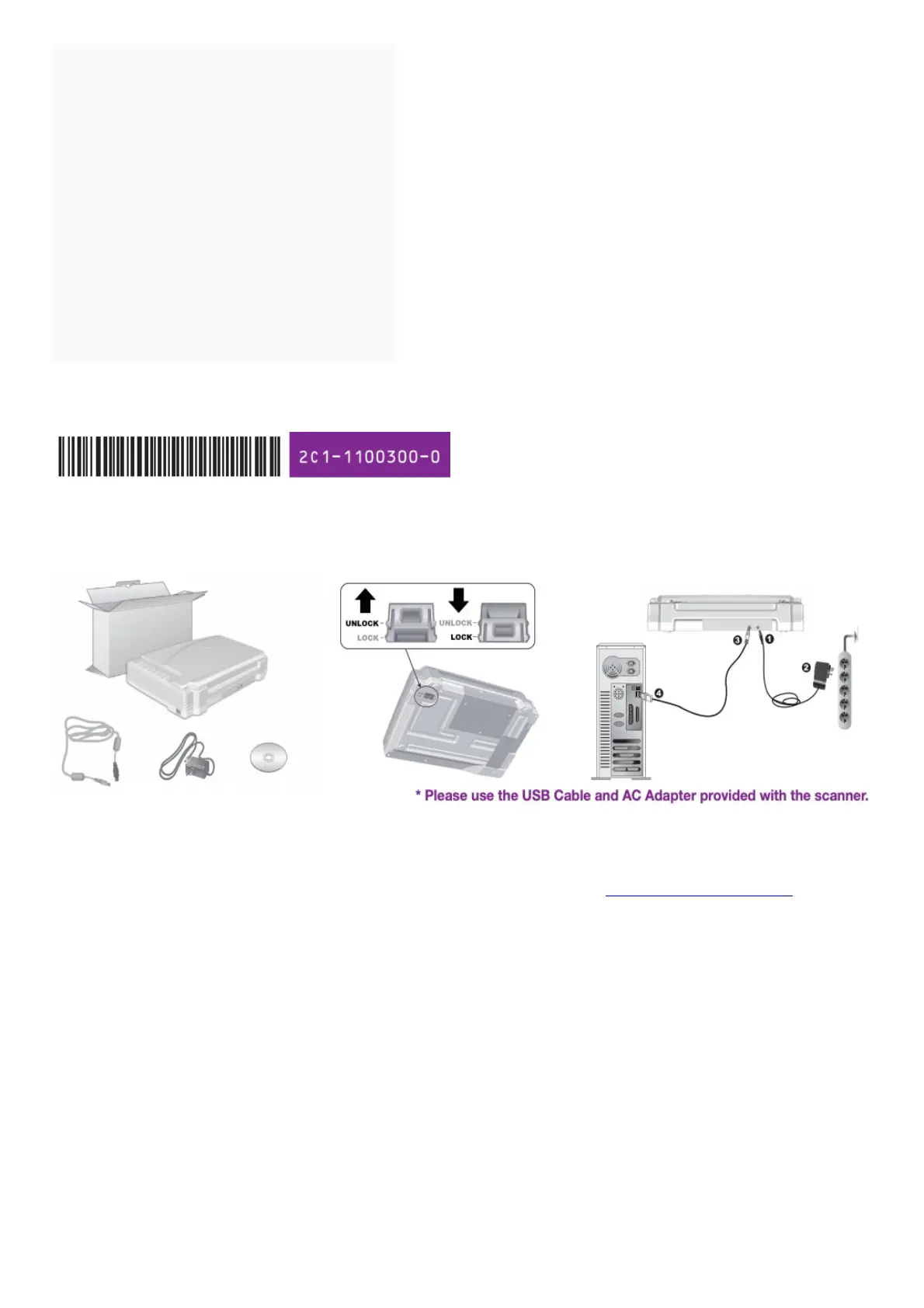
1.1 1. Unpack and Connect the Scanner
1.2 2. Install and Scan a document
1.3 Scan Button (Graphics)
1.4 File Button
1.5 OCR Button
1.6 PDF Button
1.7 FAQ/Troubleshooting
1.8 Technical Support
1.9 File Downloads
1.10 References
1.11 Related Manuals
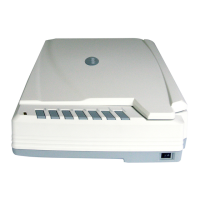
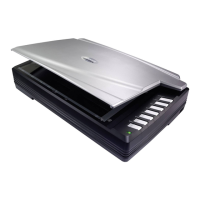
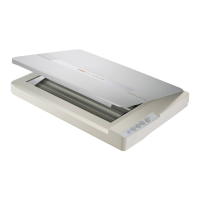
Plustek OpticPro Series Quick Start Guide
1. Unpack and Connect the Scanner
2. Install and Scan a document
Insert the product DVD or download and run your product’s software package: https://plustek.com/a3fb/











 To Next Page