10
GOLD 1-3 SK-GB-708
Right to make modifications without prior notice
Then program desired times for High speed operation.
DAY on second line can be chosen 0, 1, 2, 3, 4 , 5, 6, 7,
1–5, 1–7.
Day 0 means that set times do not have any influence.
Day 1.....7 are days of week, where Day 1 = monday.
Day 1–5 means that set times applies for monday–friday.
Day 1–7 means that set times applies for the whole
week.
NO 1 shows which of the 12 programming pictures that
is shown.
Totally 12 different variants are possible to program. No
1–12 on the third line gives which one of the 12 variants
shown at the given time.
In certain cases two variants can be necessary, i e if high
speed over a 24 hour joint is required. First from required
time to 23.59, then new variant from 0.00 to required
time. The unit will then operate at high speed during the
programmed times.
7.2 Switching clock
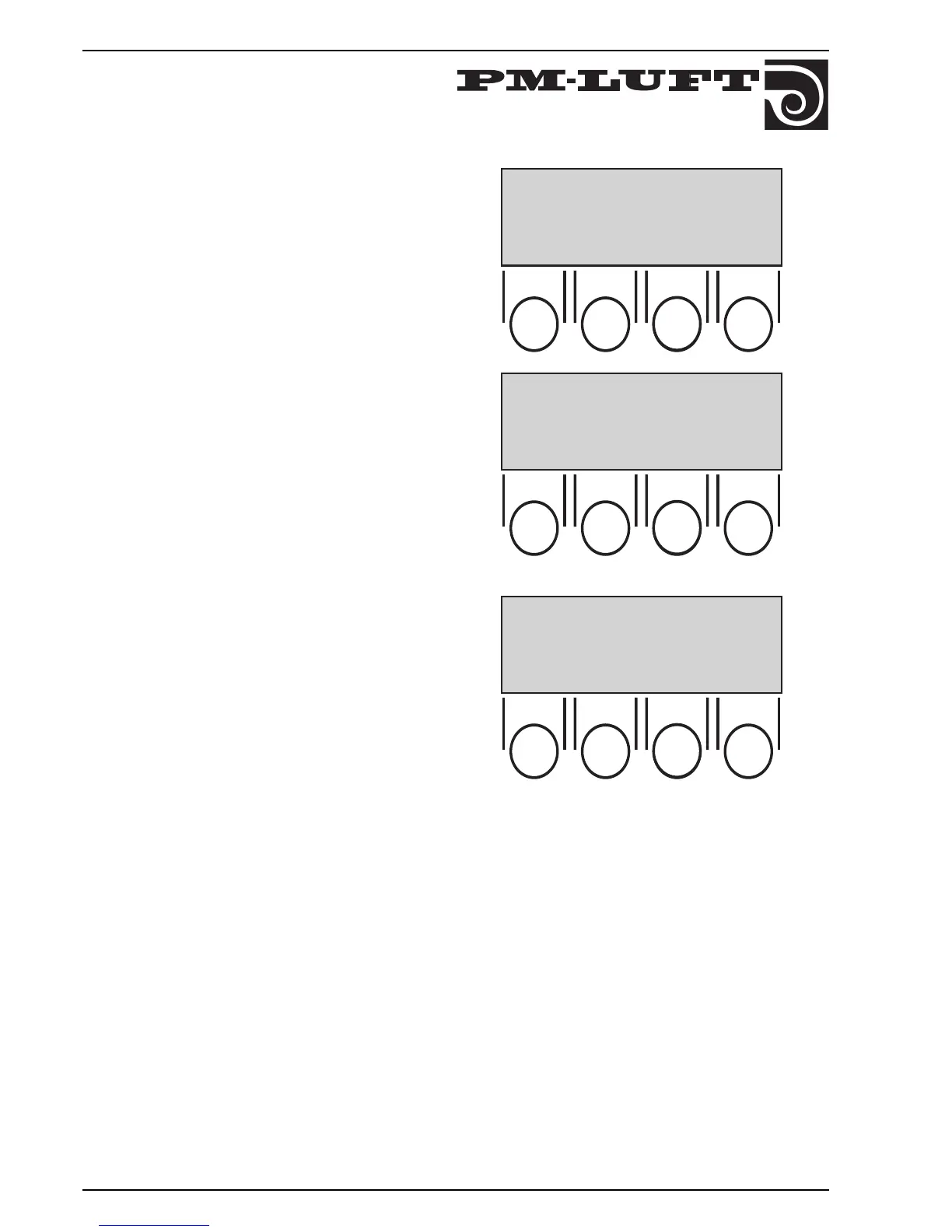
First programme the right day and time.
Then programme desired times for High speed operation.
::::
*GOLD* DAY 1 10:15
PV 02:2 : OPER 0250D
SETTING
TEMP FLOW RET FUNC
::::
ACTUAL TIME
DAY 1 10:15
RET PROG
➜
➜
::::
HIGH SPEED 7:15 – 16:30
DAY 1
NO 1
RET PROG
➜
➜
The upper line gives actual time,
"PV – xx" gives the version of the micro processor
programme. Should always be given when contacting
PM-LUFT about program.
"OPER" gives the the total operation time of the unit in
days. Time for low speed and high speed are included.
7.3 Programming menue



 To Next Page