8
GOLD 1-3 SK-GB-708
Right to make modifications without prior notice
::::
::::
::::
::::
1 = SVENSKA
2 = ENGLISH
12 OK
*GOLD* DAY 1 – 10:15
STOP
MAN AUTO S-CL PROG
*GOLD* DAY 1 – 10:15
HIGH SPEED
MANUAL OPER
AUTO STOP S-CL H-LS
MAN STOP S-CL PROG
*GOLD* DAY 1 – 10:15
AUTO OPER
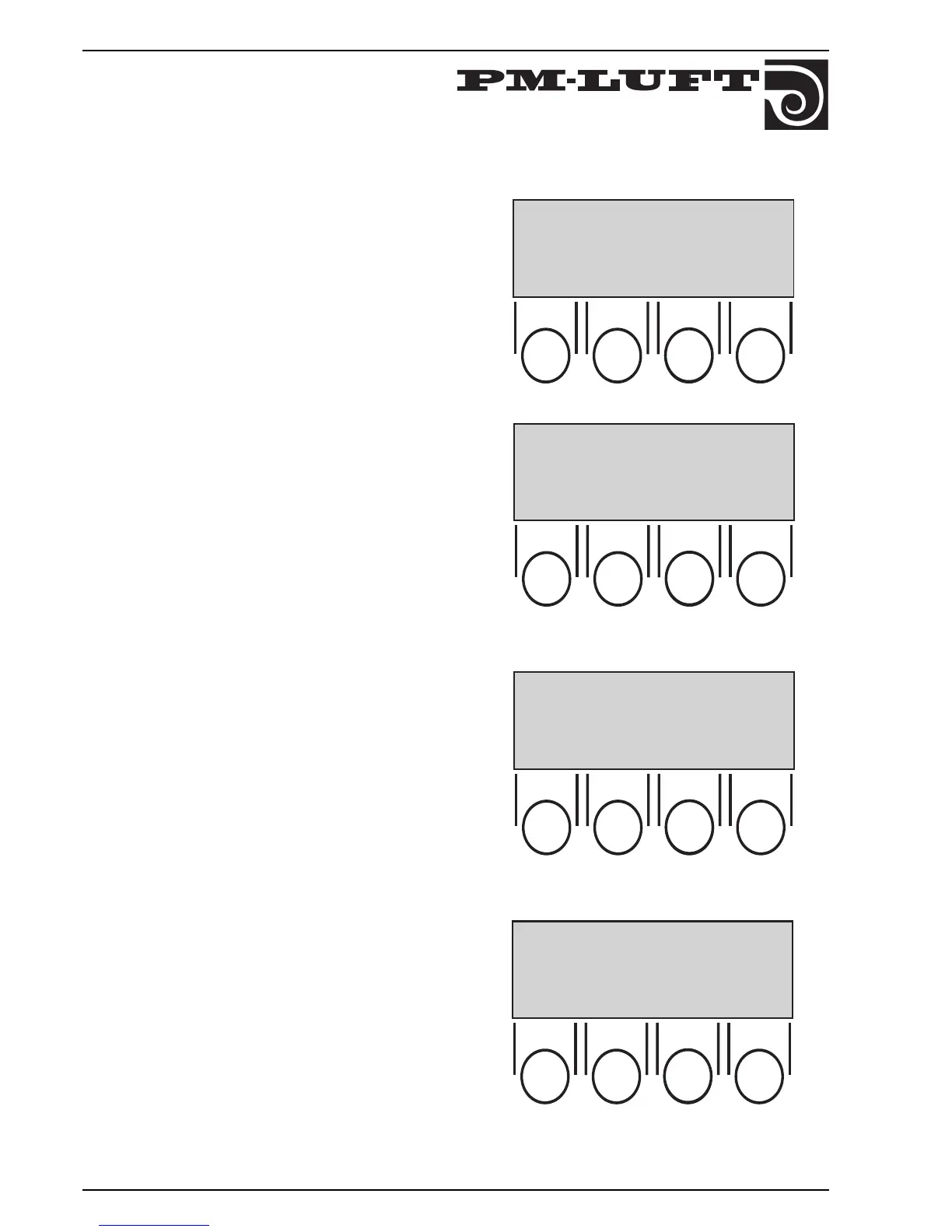
6. STARTING-UP
When the unit is connected and the main switch is
connected for the first time, a language selection menu
is shown on the display.
Choose desired language by pushing the button for
respective number.
When desired language flashes push "OK".
The picture in the display changes.
The third line gives operation type choosen, "STOP",
"AUTO OPER", or "MANUAL OPER".
In this case STOP is shown.
Normally the unit shall operate in "AUTO OPER" (which is
shown in the next sketch), since the switching clock
handles alteration from High to Low speed.
The second line shows which operating mode is
current: HIGH SPEED, LOW SPEED, or STOP. If any
other function is affecting the flow, it flashes on the
second line alternately with current mode, e.g., FILTER
TEST, SUMMER NIGHT COOL, ZERO SET CALIBR.,
ROTARY GUARD TEST, RECOOLING, or COOL
RECOVERY.
At "MANUAL OPER" button "H–LS is used in order to alter
between manual high speed or manual low speed.
In "MANUAL OPER" there is no automatic switch
between high and low speed via switching clock.
External high speed is superior to Manual low speed.



 To Next Page