Caution
To avoid potential damage, please ensure that the signal source is turned off before
connecting or disconnecting your result6 active loudspeakers.
Connections
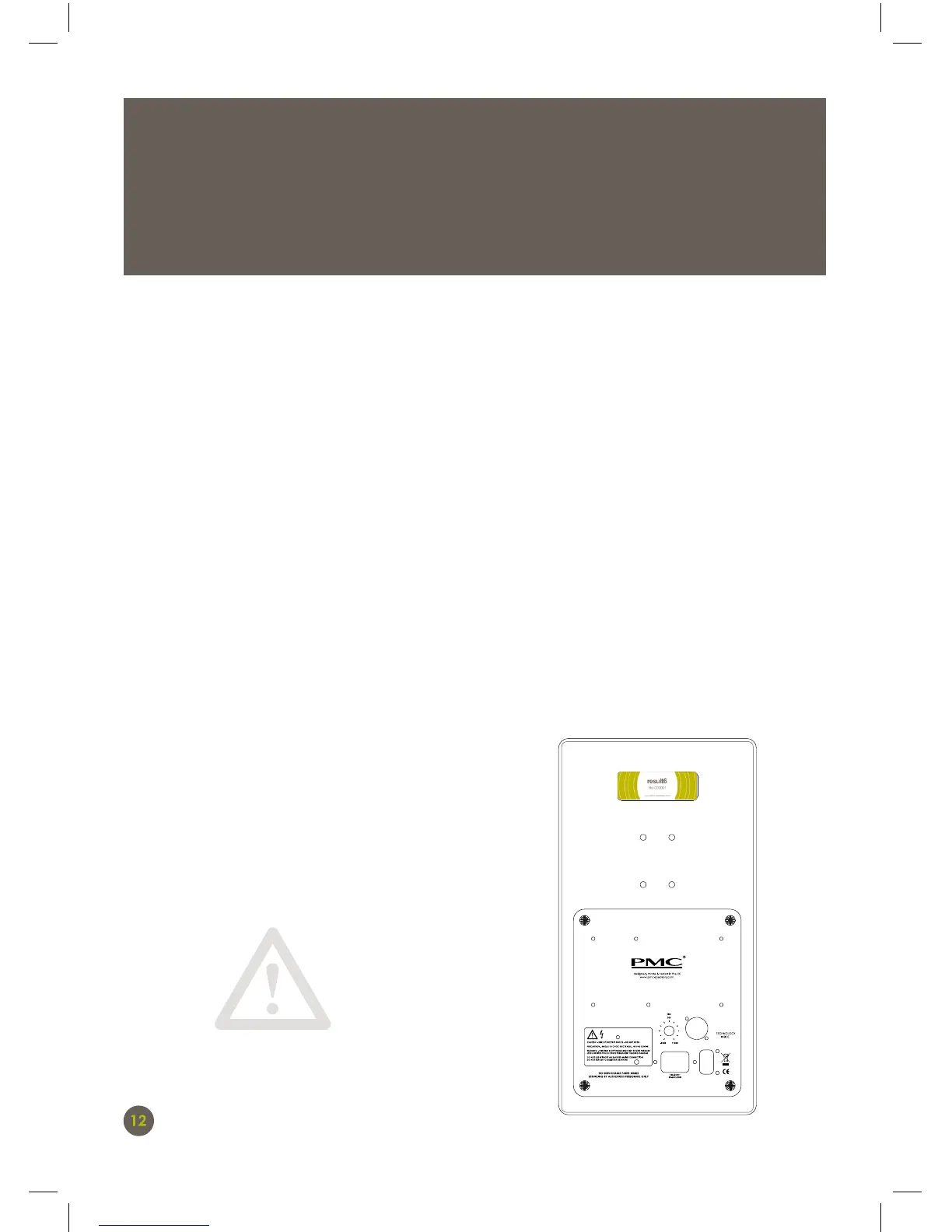
The rear panel of the result6 carries the connectors for audio and mains power.
Audio
The electronically balanced analogue input accepts 3-pin male XLR connectors, wired
with Pin-1 screen (ground), Pin-2 signal positive (hot), and Pin-3 signal negative (cold).
Power
The IEC (C14) mains socket is provided with adjacent power switch. There is no AC
voltage selector; the result6 monitor can accept any AC mains voltage between 90-132
and 180-264V.
LED indicators
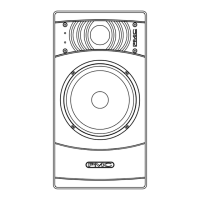
As already noted, a warning LED on the front
panel of the result6 lights red if the excursion
limiting protection system is activated. If this
happens, reduce the input level.
THIS UNIT MUST BE EARTHED


 To Next Page