PC and Laptop Communications with Eagle™ Recorders
PC and Laptop
Communications with
Recorders
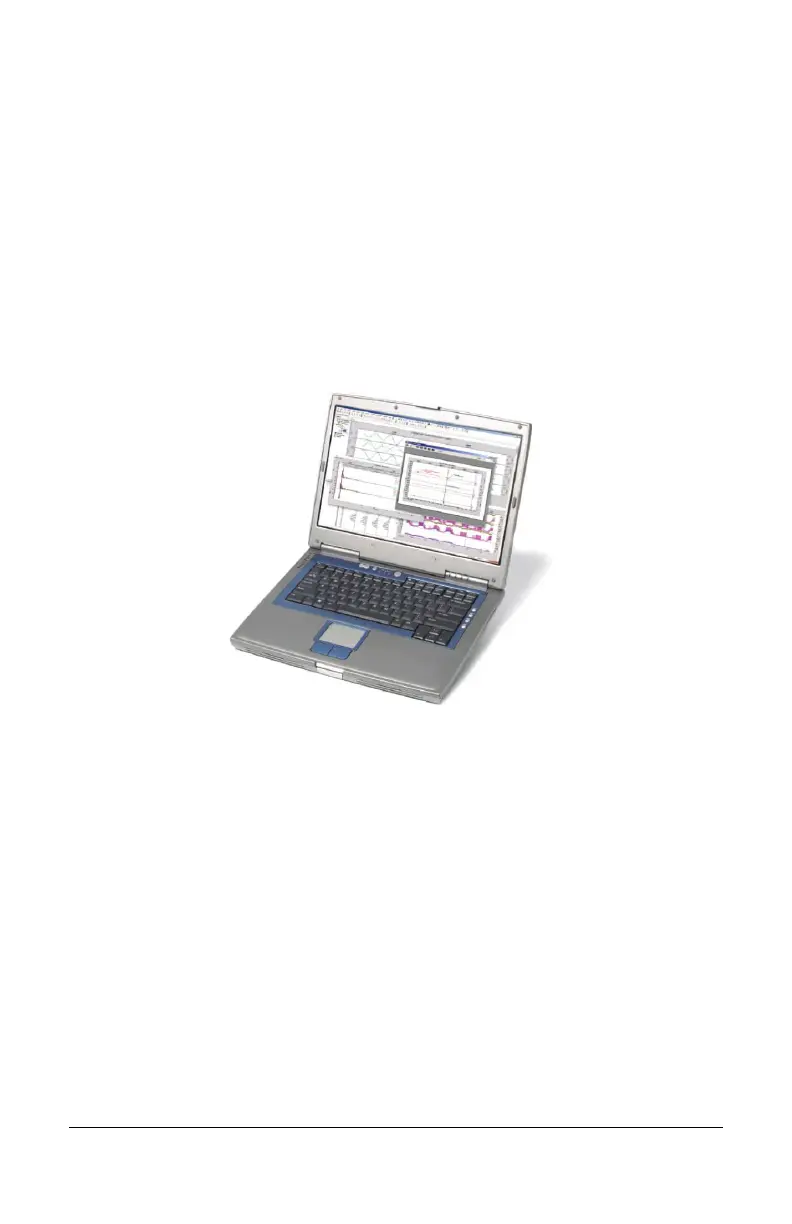
Figure 10 –
A Laptop Computer Running ProVision
Eagle power quality recorders can
WinScan running on a desktop PC or a laptop to
initialized, or downloaded.
The following operations can be performed using a laptop or
desktop PC using ProVision or WinScan:
• Identify recorder
to display serial number, firmware
version, and any options
• Initialize recorder with customized, user-
• Set the date and time
• Retrieve the initializa
tion settings from an Eagle
• Download recorded data from recorder
•
••
• 31
™
A Laptop Computer Running ProVision
®
ProVision or
d,
The following operations can be performed using a laptop or
to display serial number, firmware
tion settings from an Eagle
recorder


 To Next Page