Main Menu 39
SEARCH
After selecting this item the on-screen keyboard will
be opened, so you will be able to type in a search
query – a part from le name, book title or author’s
mane. After entering the query Library, displaying
search results, will open.
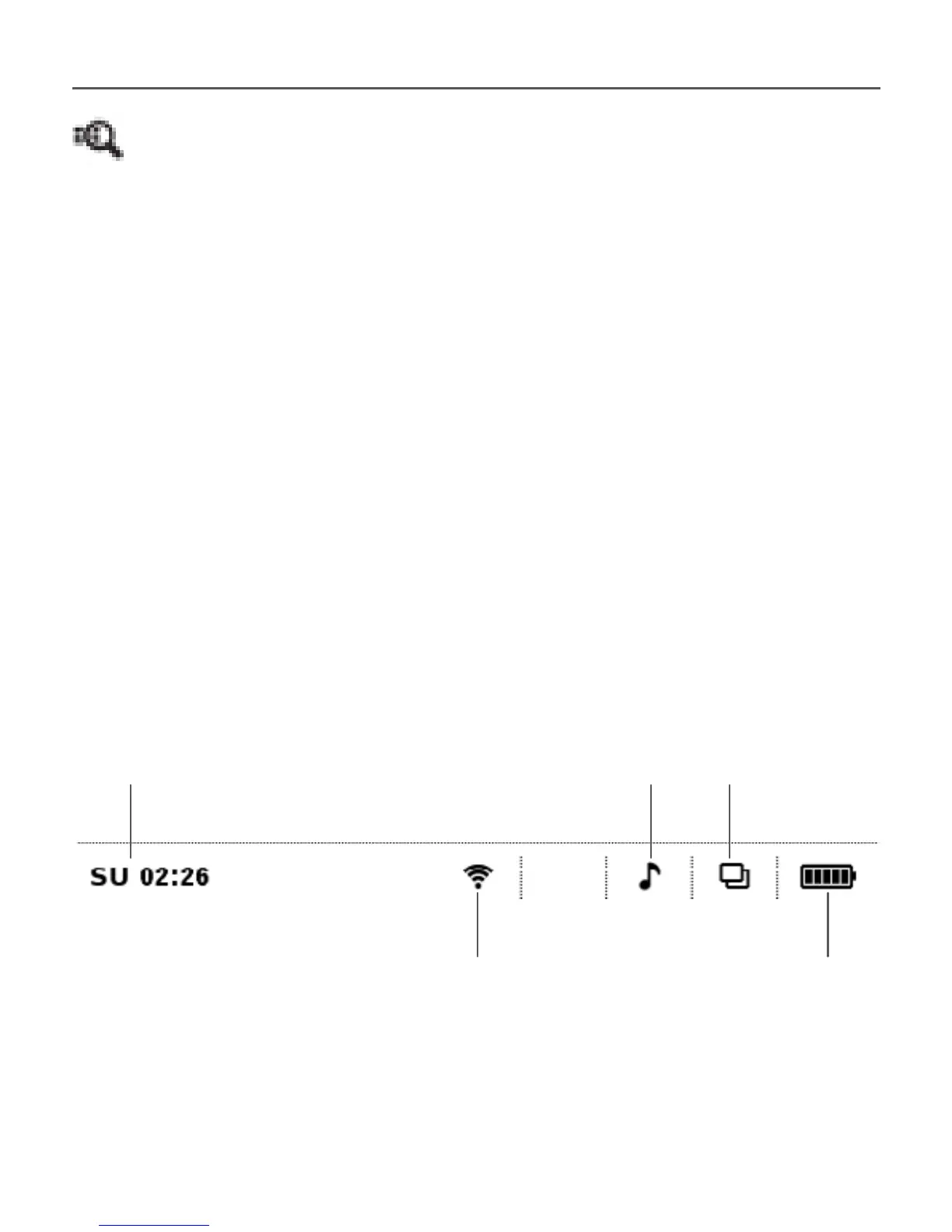
STATUS BAR
Status bar is located at the bottom of the screen
and briey displays system info.
In reading mode status bar displays current page
and total page count.
Wi-Fi is connected
Touch to view info
Music is played
Touch to open player
Touch to open
task list
Battery charge
Date & time















 To Next Page