Reading Books 55
TEXT
-
TO
-
SPEECH
Text-to-Speech (TTS) software is designed to trans-
form text into speech.
To start TTS, open reading menu and select Voice.
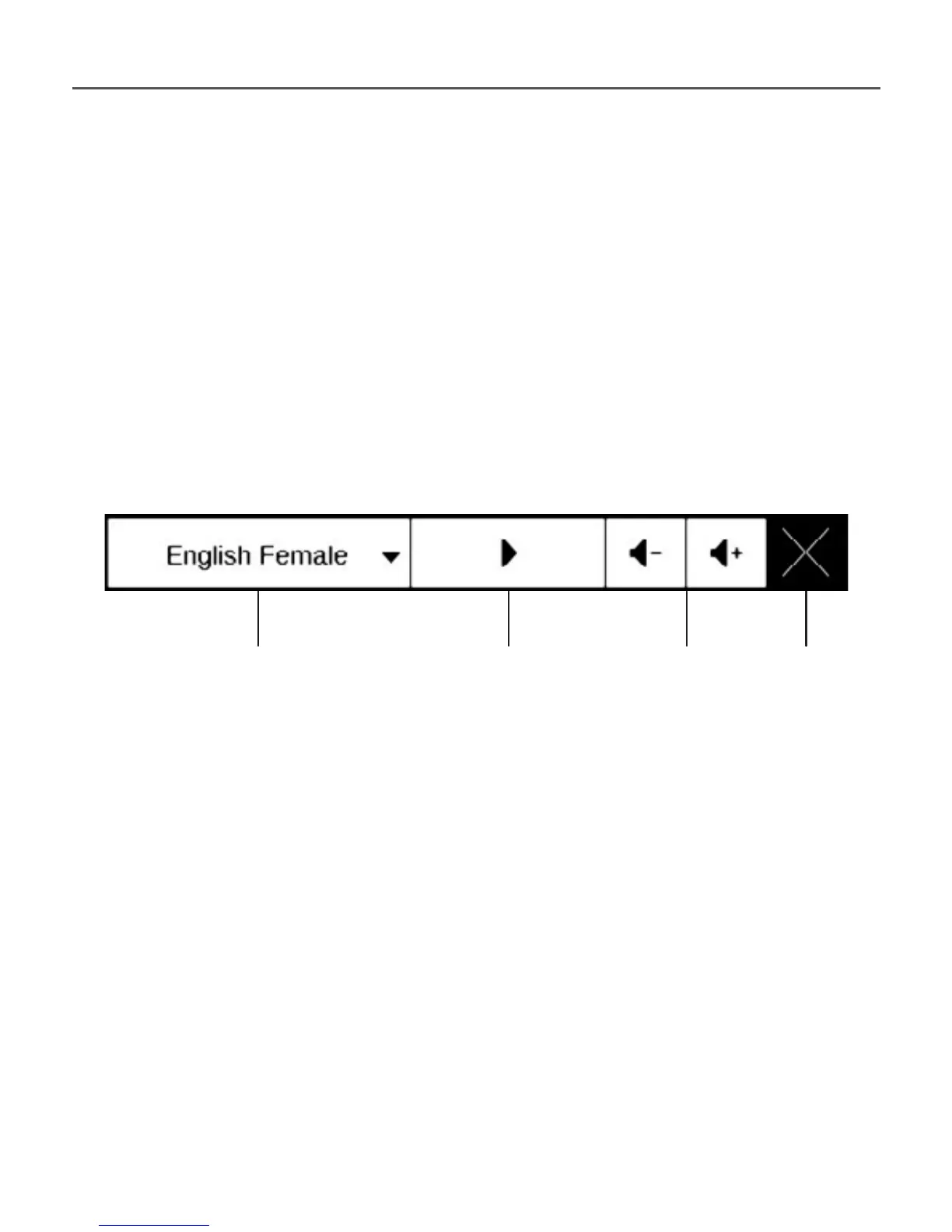
TTS control panel will appear:
Progress bar indicates a fragment read currently,
pages are turned automatically as you listen.
Initially there are 4 TTS packages are installed on
the Device.
Select voice package
Play/Pause Volume Exit















 To Next Page