Reading Books 45
TURNING PAGES
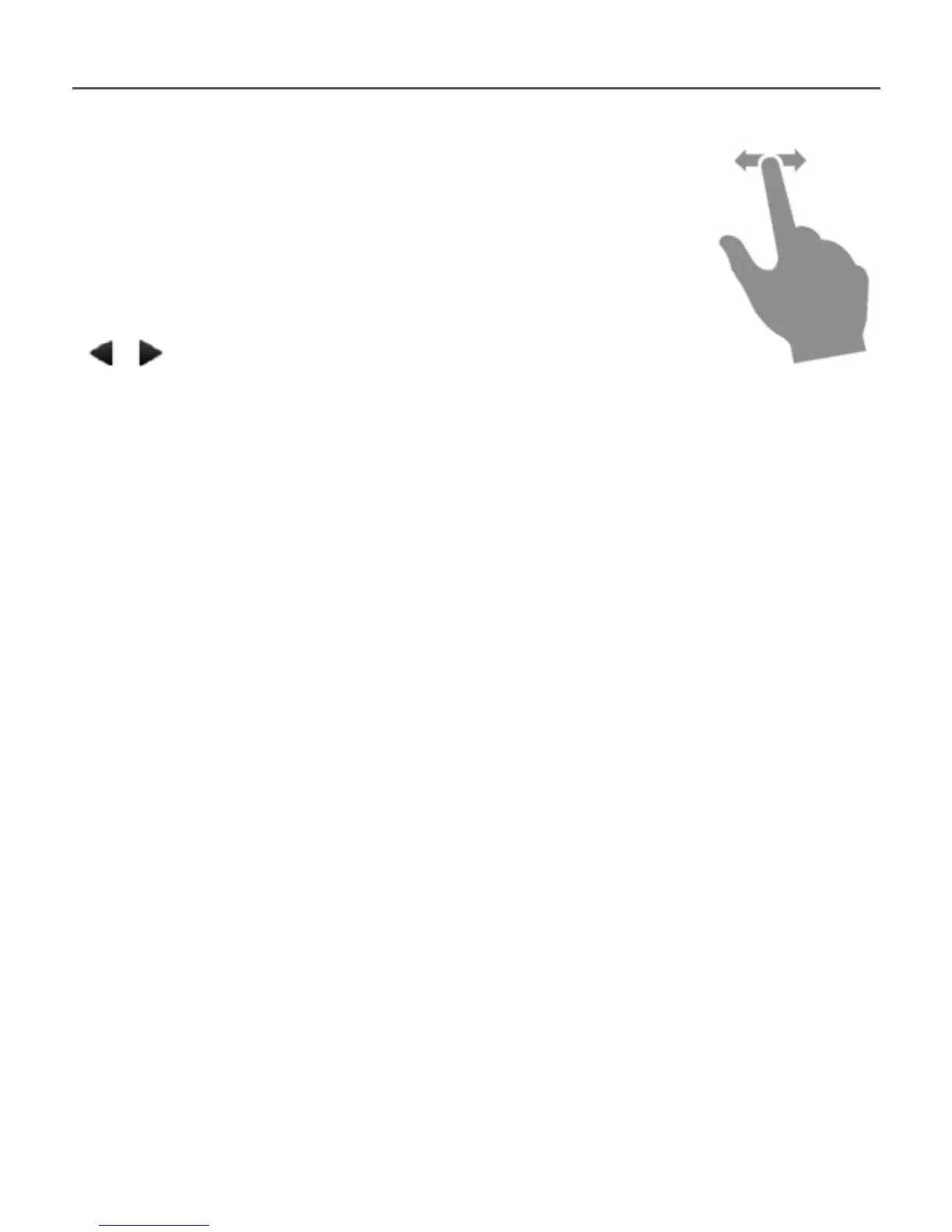
To turn pages use sliding gesture (like
turning pages in a paper book) or
/ Device keys.
CONTENTS
If a book has table of contents, you can open it by
selecting the corresponding reading menu item.
Except table of contents itself, this section displays
all the notes and bookmarks made during read-
ing a book. If table of contents has more then one
level, higher level entry will be marked with ‘+’ sign
– touch it to expand. ‘+’ sign will be changed to ‘-‘ –
touch it to collapse.















 To Next Page