Reading Books 63
SETTINGS
In this section you can find out how to configure your read-
ing settings for different book formats. You can also learn
about all the available options and features in this menu.
EPUB, FB2, etc.
To configure EPUB, TXT, FB2, DOC and other text format
books, open the Reading menu and select Settings.
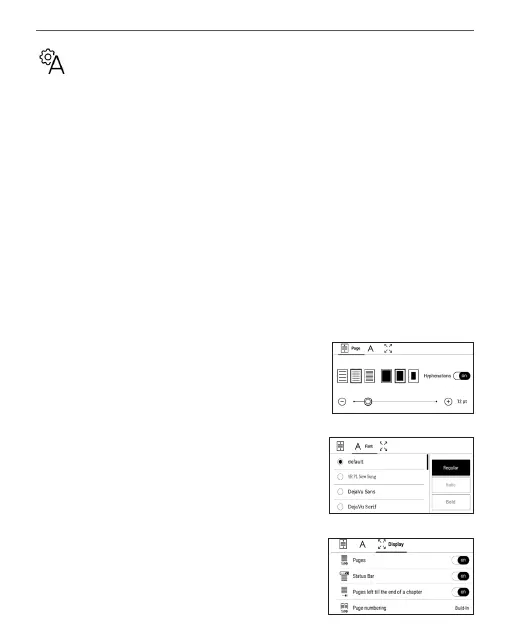
Page tab - you can choose line spac-
ing, font size, margins width and also
enable or disable hyphenation.
Font tab - use this tab to select font
size and font style.
Screen tab - you can enable or disable
page numbering, the status bar and
set how the pages are numbered.















 To Next Page