Settings 87
1
2
3
PERSONALIZE
Frontlight — this section allows you to set up the
Frontlight and SMARTlight extended settings.
Frontlight – use the ON\OFF switch to turn the Frontlight
on or off.
Advanced Frontlight Settings –
you can create your own settings
configurations and manage them.
• New settings – allows you to
create your own custom settings for
automatic Frontlight adjustment.
• Default – factory settings for automatic Frontlight
adjustment.
Your custom settings will be displayed in this section as you
create them.
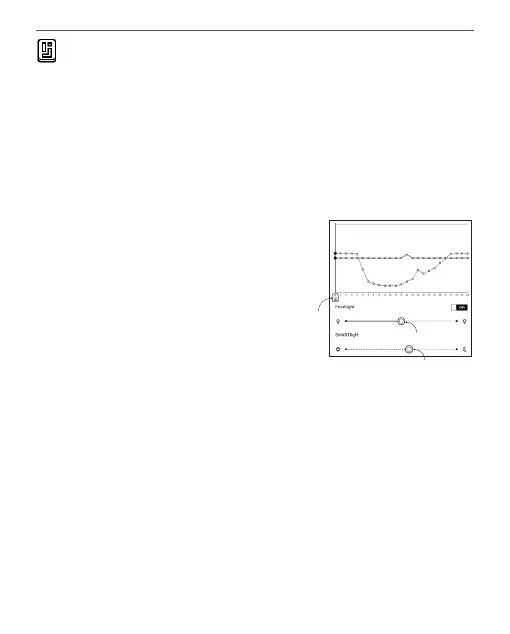
When a new settings configuration is created, a graph will
be displayed on the screen where you can set the Frontlight
brightness and its SMARTlight colour temperature. To















 To Next Page