Using Auto-Relay
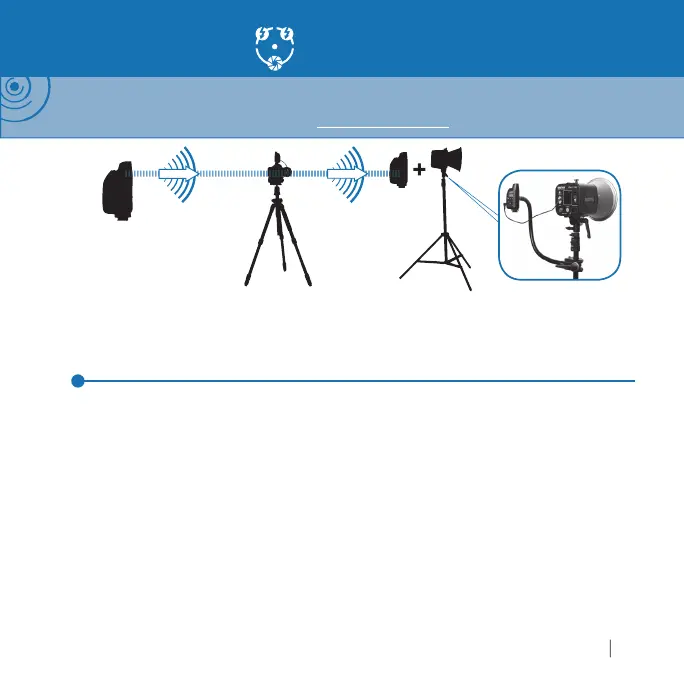
NOTE: Auto-Relay allows you to trigger remote fl ashes in sync with a remote camera and requires three
PocketWizard radios. With Auto-Relay, not all radios are set to the same Channel: The relaying radio transmits
on one Channel higher than it received on. Visit wiki.PocketWizard.com for additional information.
Auto-Relay
ransm
tt
n
h
nn
l 1
R
m
t
m
r
e
ay
n
us
e
h
nn
l
Automatically transmits on
hannel 2
m
t
Fl
ece
v
n
h
nn
l
1.
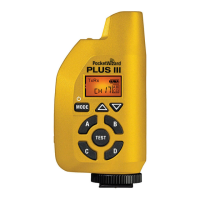
et the transmittin
PocketWizard radio in your hands to Tx Mode and the desired
h
nn
l
n
Z
n
.
onnect the Relayin
Plus IIIe’s Flash
amera Port to the remote camera tri
erin
por
the camera via a remote camera cable and place the radio in the camera’s hot shoe
3.
et the Relayin
Plus IIIe attached to your remote camera to TxRx Mode and also to
the same
hannel and Zone as the transmittin
PocketWizard radio in your hands
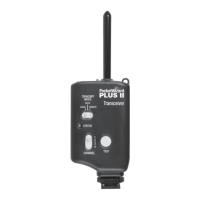
onnect a remote fl ash to a receivin
PocketWizard radio via the appropriate syn
cable and set it to TxRx or Rx
NLY Mode and one
hannel hi
her than the transmittin
oc
et
zar
ra
o
n your
an
s.
atc
t
e
ones to t
e ot
er
us
e ra
os
5. Press and release TEST on the transmittin
PocketWizard to fi re the remote camera.
Remote
ashes will be automatically synchronized with the remote camera
t
z
r
.
m



 To Next Page