Triggering a Remote Camera
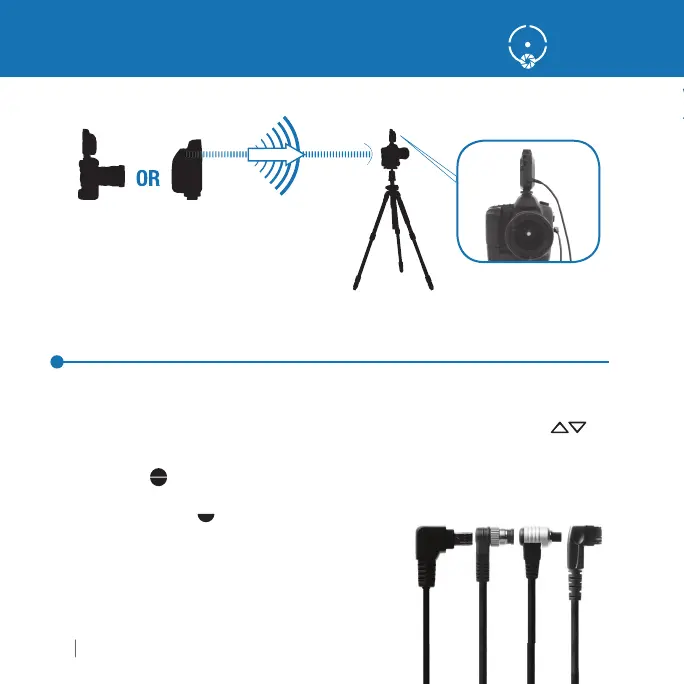
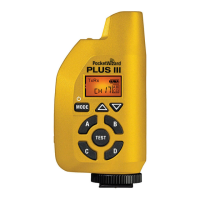
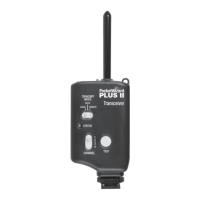
Triggering a Remote Camera with your Plus IIIe Transceiver
1.
onnect a Plus IIIe to
our remote camera via the a
ro
riate remote camera cable.
e rece
v
n
us
e
oes not nee
to
e
n t
e
ot s
oe
2.
elect a
hannel and Zone A, B,
, or D via the
hannel u
down buttons
an
one
o
e
uttons
.
u
res
the TE
T button on the transmittin
PocketWizard radio or the shutter
button on the handheld camera to fi re the remote camera.
ee pa
e 16 for details
about hal
press
n
m
r
OR
n
n
ransm
tt
ng
nn
t
t
R
m
t
m
r
ece
v
n
t
z
r
emote camera ca
es not
nc
u
e
.
ind the correct cable
or your remote camera or
ash:
ocketwizard.com/cablefi nder



 To Next Page