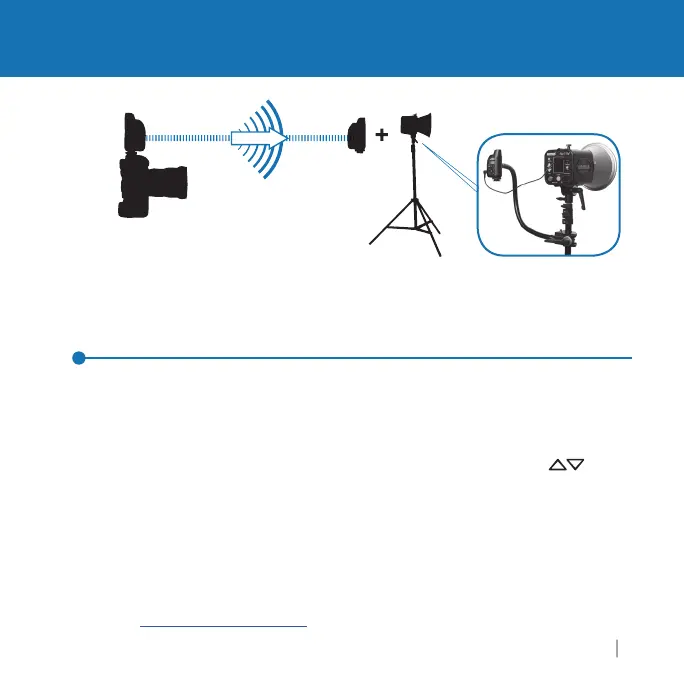
Triggering a Remote Flash with your Plus IIIe Transceiver
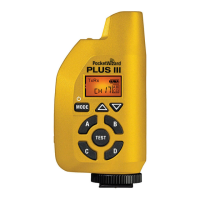
1. Attach a Plus IIIe to your camera’s hot shoe.
lide a Plus IIIe into your camera’s hot
s
oe an
tw
st
oc
ng r
ng unt
snug.
o not overt
g
ten.
ou may a
so connect t
e
Plus IIIe to your camera’s P
sync port usin
the included cable
2.
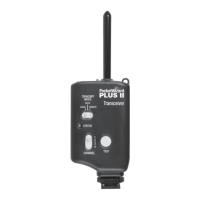
onnect a Plus IIIe to your remote fl ash via the appropriate sync cable.
3. Select a Channel and Zone A, B, C, or D via Channel u
/down buttons
n
Zone To
le Buttons. Set any other PocketWizard radios to a matchin
Channel
and Zone.
See the “Usin
Zones” section
p
. 15
for more information
4.
a
e p
ctures norma
y at or
e
ow your camera
s
-sync spee
Notes: The Plus IIIe does not su
ort TTL commun
cat
on.
as
es must
e set t
anua
Momentarily pressin
the TEST button will test tri
er the fl ash
*
wiki.PocketWizard.com
or more mountin
su
estions.
m
r
with Pl
III
n
t
Transmittin
n
PocketWizard E Series receiver
nn
t
t
r
m
t
Receivin
*Optimal Mountin
Positio
Triggering a Remote Flash
t
z
r
.
m



 To Next Page