0605
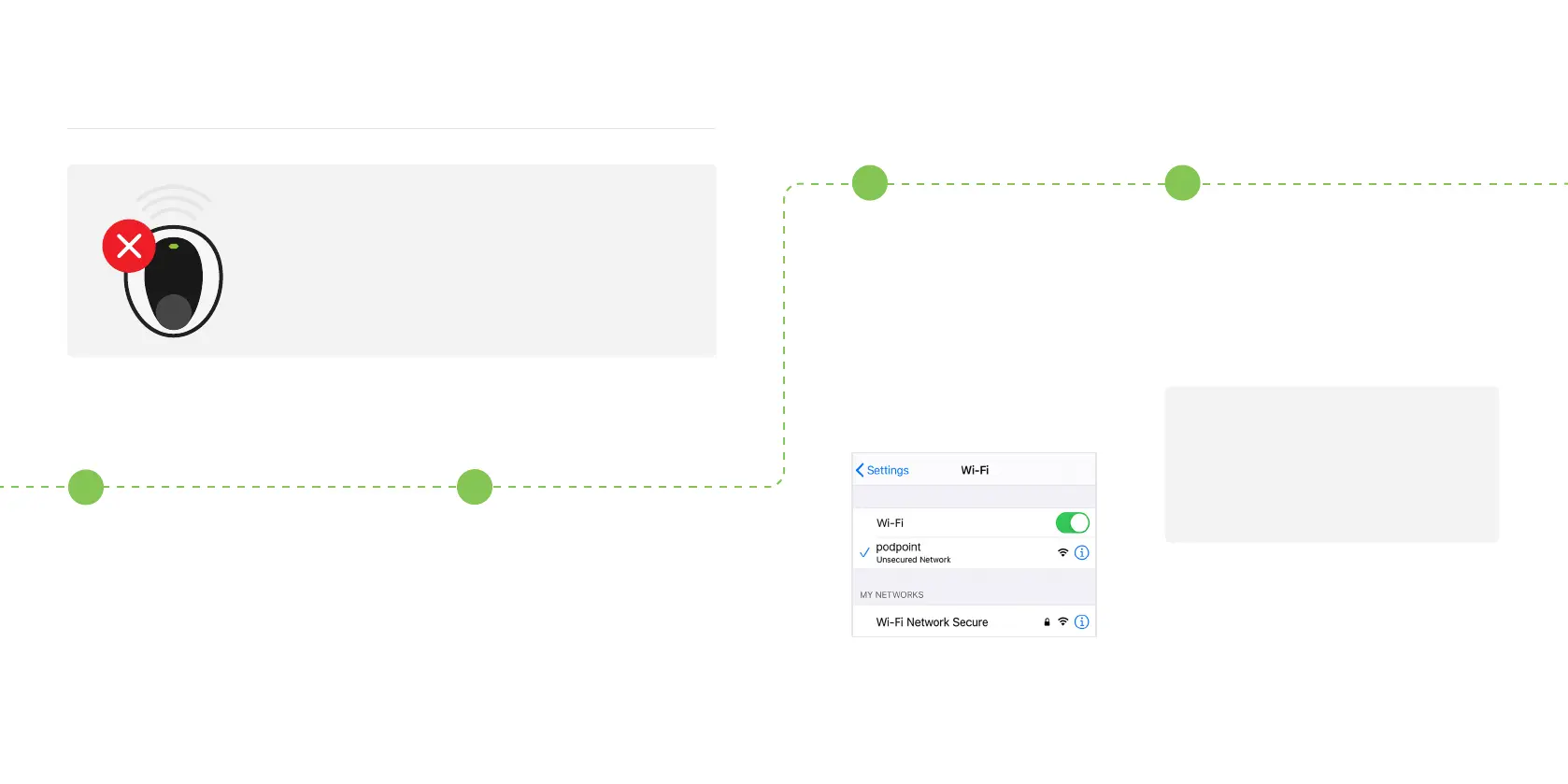
Disconnecting your Solo from Wi-Fi
Turn your router o using the
o/on switch on the router.
If there is no switch on the
router, turn it o by
unplugging the charger.
Turn the Solo o and on
again at the switch on the
fuse box/consumer unit.
With any smart device or
laptop that can connect
to Wi-Fi, look for the
podpoint Wi-Fi network
while standing next to the
Solo charger and press to
connect.
1
2
3 4
To disconnect your Solo from its current
Wi-Fi network, please follow the steps below:
Note: Disconnecting your Solo from Wi-Fi is typically done if you are changing your Wi-Fi
password, router, internet service provider or your charger has undergone a technical service.
Open you web browser, type in one
of the following IP addresses - please
try the sequence below and use all full
stops. If the rst IP address does not
work, please try the next one.
192.168.1.1/proles_cong.html
Or
192.168.101.1/proles_cong.html


 To Next Page