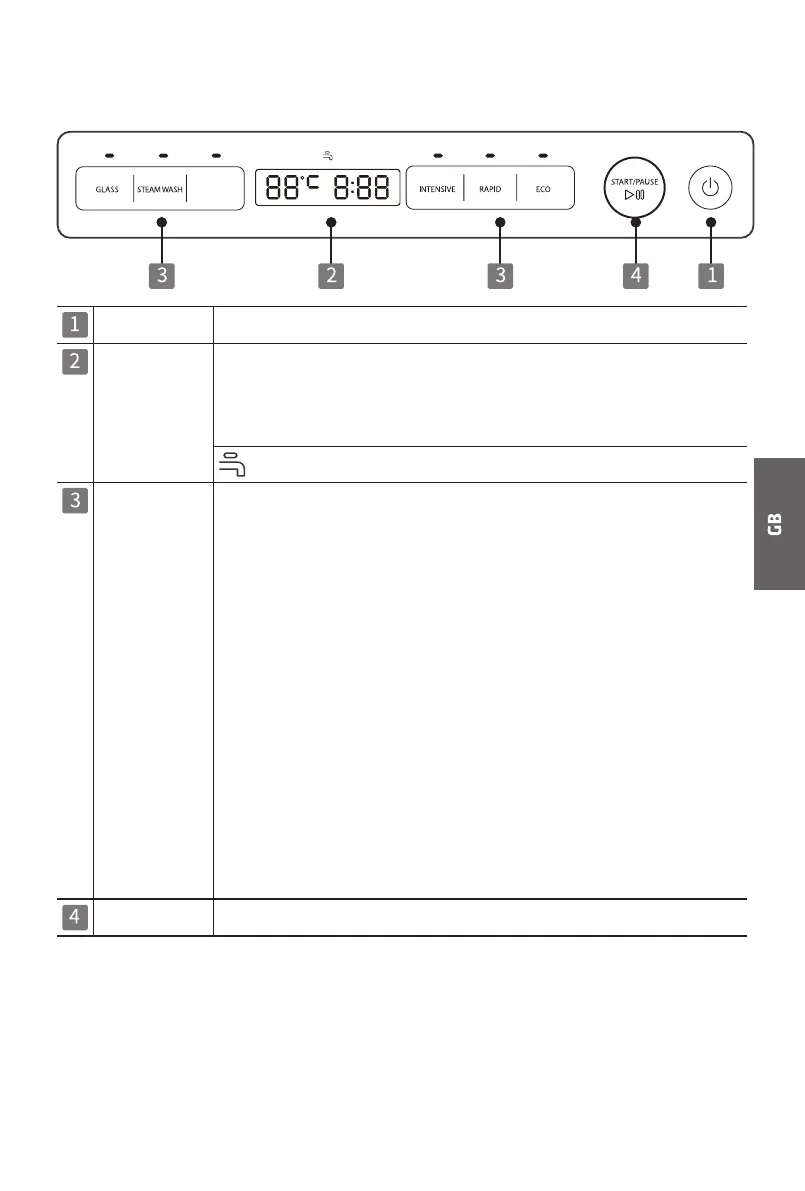
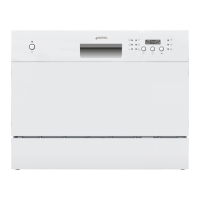
Control panel
Power Power on/off
Display When a program is selected, it shows the highest temperature
and length of the program.
When the program starts, it shows the actual water
temperature and the remaining time of the program.
Water insufficient indicator
Program Select the appropriate washing program and corresponding
indicator will light up.
GLASS For slight dirty dishes and glasses.
STEAM WASH With the best washing performance.
High temperature steam is generated in the
first 5 minutes which can soften stains and
kill bacteria.
RINSE
To rinse dishes that you plan to wash later that
day, and also suitable for rinsing fruits.
INTENSIVE For dishes with oil stains and heavy dirty
cooking utensils and dishes.
RAPID For slight dirty dishes, the required cleaning
time is relatively short.
ECO For general dirty dishes and utensils (such as
pots, plates, glasses, pans).
Start / Pause To start or pause the washing process of the dishwasher.
RINSE
RINSE


 To Next Page