Otherwise filter system, pump or other important parts of the
machine may be damaged by salty water. It is out of warranty.
NOTE:
z
The salt container must only be refilled when the salt warning light
on the control panel comes on. Depending on how fully the salt
dissolves, the salt warning light may still be on even though the salt
container is filled.
z
If there is no salt warning light on the control panel (for some
models), you can judge when to load the salt into the softener by
the cycles that the dishwasher has run.
Adjusting Salt Consumption
Follow the steps below for adjustment in salt consumption.
Step 1: Enter the status of salt adjustment
Close the door, within 60 seconds after power on, press
GLASS button and hold for 5 seconds, the dishwasher
will enter setting mode.
Step 2: Select a certain level of salt consumption
Press the Glass button to select the proper set
according to your local environment, the sets will change in
the following sequence: H1->H2->H3->H4->H5->H6.
Step 3: Exit the status of salt adjustment
Without any operation in five seconds, the dishwasher will
exit from set mode, and the dishwasher enters standby
status.
There are 6 levels of salt consumption in all. It is recommended to
select the level according to the below table:
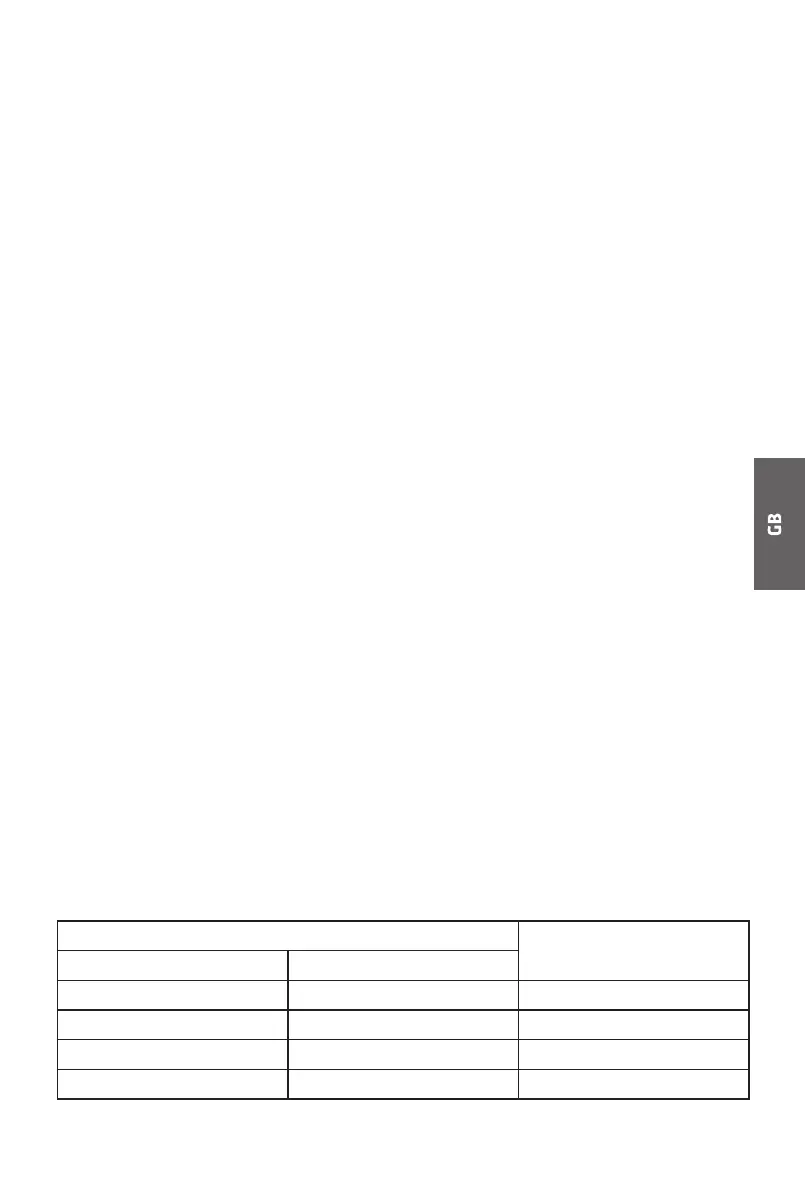
WATER HARDNESS Setting on the water
softener
°dH
1)
Mmol/l
2)
0-5 0-0.94 H1
6-11 1.0-2.0 H2
12-17 2.1-3.0 H3
3)
18-22 3.1-4.0 H4


 To Next Page