2. GET STARTED
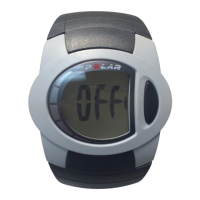
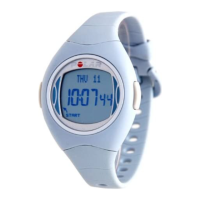
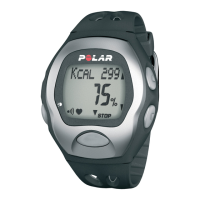
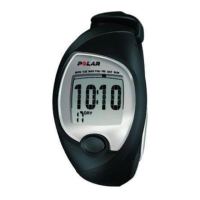
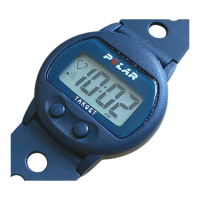
Get to Know Your Polar FT7 Training Computer
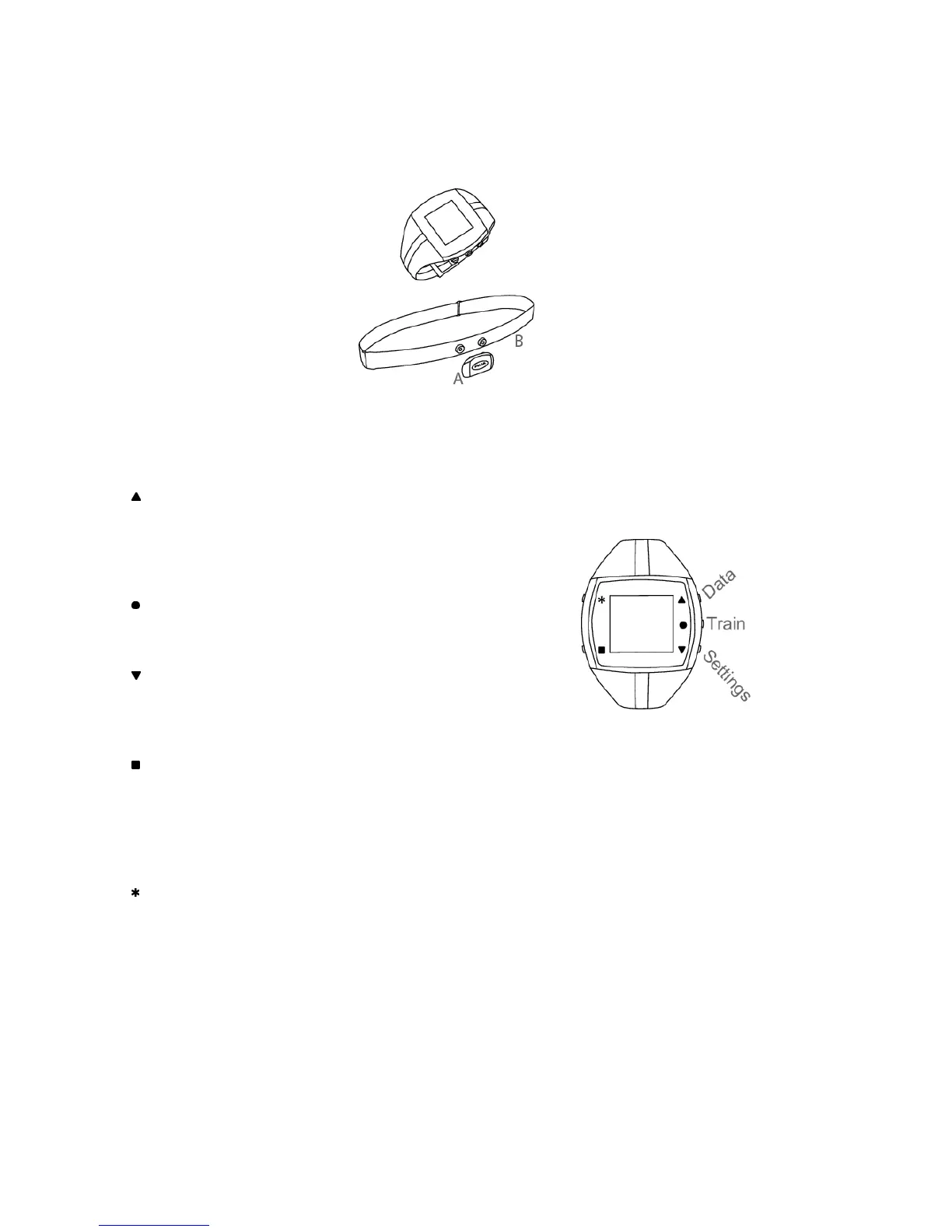
Training computer records and
displays your heart rate and other
data during training.
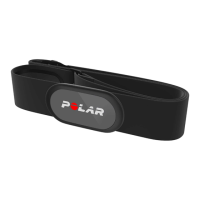
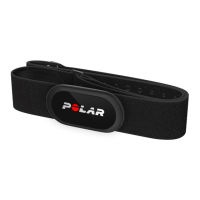
WearLink
®
+ transmitter transmits
the heart rate signal to the
training computer. The WearLink+
transmitter consists of a
connector (A) and strap (B).
The latest version of this user
manual can be downloaded at
www.polar.fi/support.
For video tutorials, go to
http://www.polar.fi/en/support/video_tutorials.
FT7 Buttons and Menu
UP:
• Enter the menu
• Adjust values
• Move through selection lists
• Change the watch face with a long press in the Time view
OK:
• Confirm selections
• Select training type or training settings
DOWN:
• Enter the menu
• Move through selection lists
• Adjust values
BACK:
• Exit the menu
• Return to the previous level
• Cancel selection
• Leave settings unchanged
• Return to Time view with a long press
LIGHT:
• Illuminate the display
• Enter quick menu in Time view with a long press, to lock buttons, set
alarm or select time zone
• During training with a long press switch training sounds ON/OFF or lock
buttons
• Night Mode during training: Press LIGHT once during recording and the
backlight will be activated by pressing any button. Night mode is
switched off when the FT7 goes back to Time mode.
ENGLISH
4 Get Started





 To Next Page