64
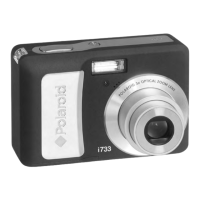
Polaroid i735 Digital Camera User Guide
www.polaroid.com
• Playing a Voice Memo
1. Set the camera to the Playback mode.
2. Press the and buttons to select the desired image that has the
voice memo recorded.
3. Press the button to start playing the voice memo.
4. Press the button again to pause.
5. Press the or button to stop the video clip.
30S
IN
:Play :Stop
PLAY
5/150
IN
:Play
2006/07/01
18:59
7M
+2.0EV AWB
F2.8 1/30



 To Next Page
 Loading...