23
Polaroid PDC 5080 Digital Camera User Guide
www.polaroid-digital.com
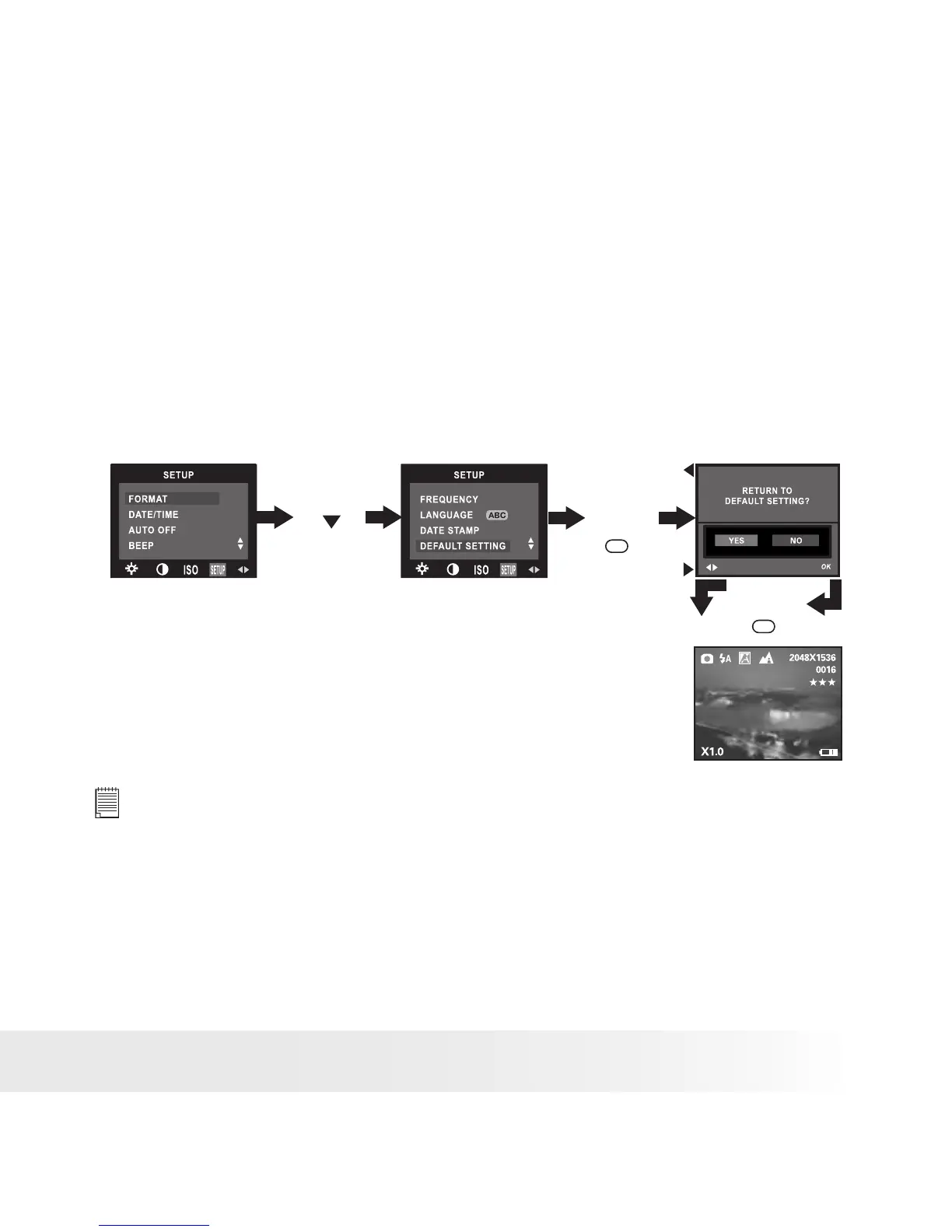
• Resetting to Default Settings
You can easily change all the settings you made back to the camera
default settings by the following steps.
Please refer to “Camera Default Settings” on page 84 for more details.
1. Turn on the camera.
2. Set the camera to Still Image mode.
3. Follow the guidelines in “Setup Menu” on page 15 to access the
Setup menu.
Press
Press
Press
until
OK
OK
NOTE:
This setting is also available in Video mode.



 To Next Page
 Loading...









