geneo+U
29
SETTINGS
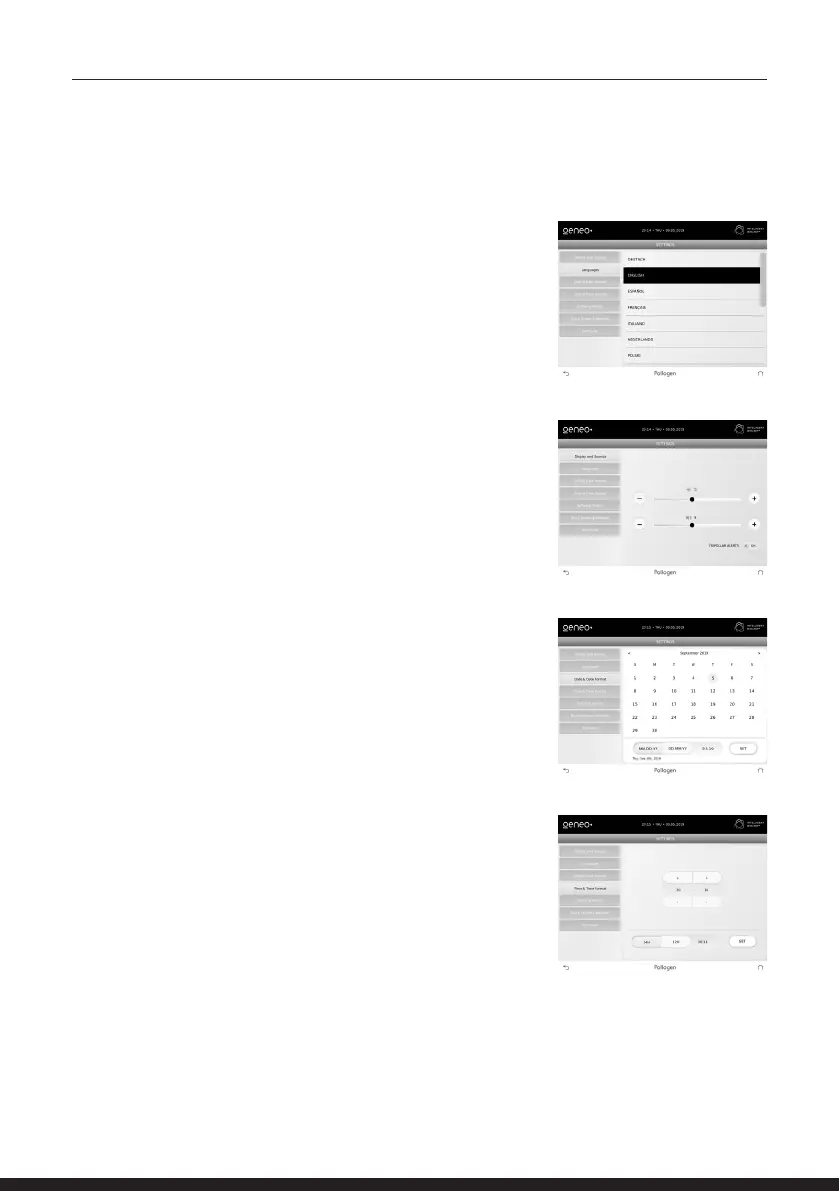
DISPLAY AND SOUNDS
Adjust screen brightness and volume of sounds and alerts.
DATE AND DATE FORMAT SCREEN
Enables the operator to select between date formats: DD.MM.YY
or MM.DD.Y Y.
To set the date: Select current date and press “SET”.
TIME AND TIME FORMAT SCREEN
Enables the operator to select between time formats: 24 hour
or 12 hours.
To set the time: Select current time and press “SET”.
LANGUAGES SCREEN
Select the desired language



 To Next Page