geneo+U
17
OTHER SCREENS
• The Home Icon - Located at the top right side of most screens.
Returns the operator to “Home Screen”.
• The Back Icon - Located at bottom left side of most screens.
Returns the operator one screen back.
• Time, day and date appear at the upper pane of each screen.
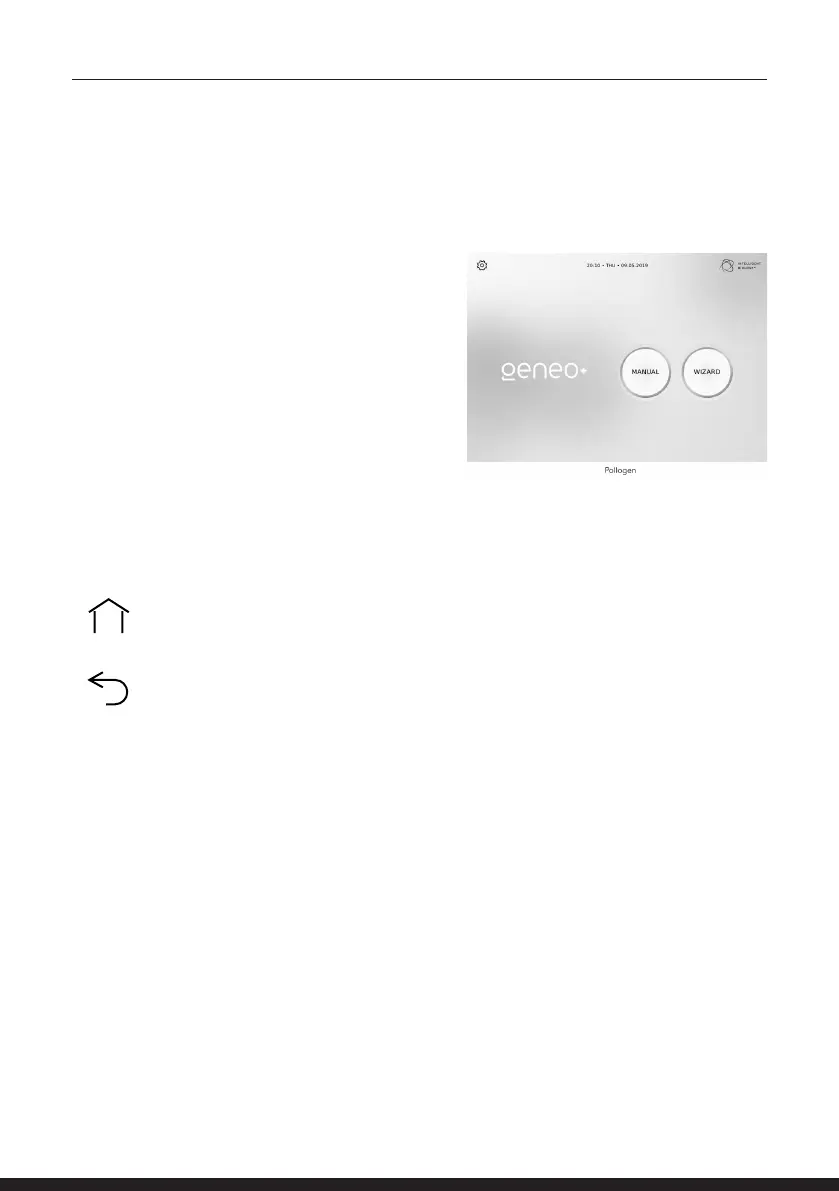
HOME SCREEN
Home Screen includes the following:
• Manual - Commence sessions manually
• Wizard - Commence sessions automatically
• Settings - Adjustable system parameters
TREATMENT APPLICATION



 To Next Page