geneo+U
18
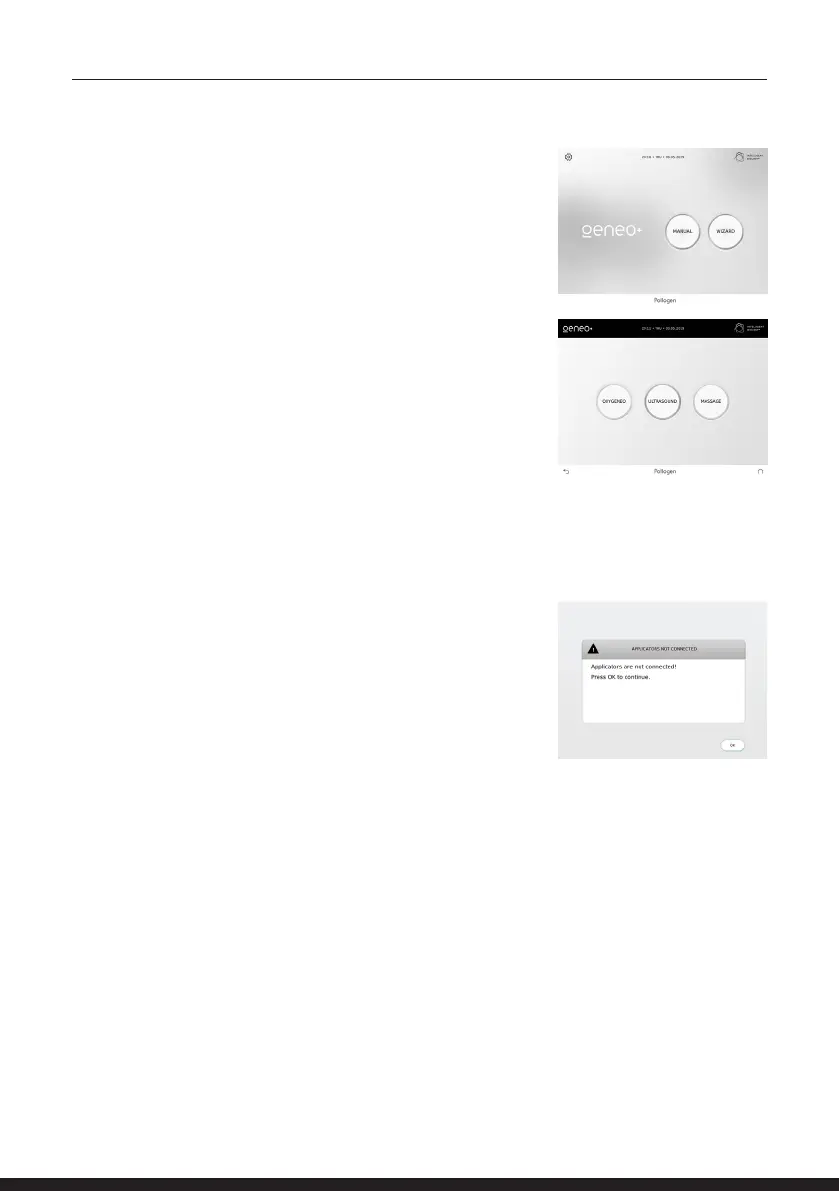
All available technologies will appear by tapping MANUAL in the
Home Screen.
The system automatically identies the applicator connection
and allows you to operate only a connected Applicator.
Once an Applicator is not properly connected or is missing, its
key will appear dim on the screen.
If none of the applicators are connected, the system
will indicate with the following message.
Select the desired technology. Once a technology is
selected, it is highlighted.
MANUAL APPLICATION



 To Next Page