geneo+U
19
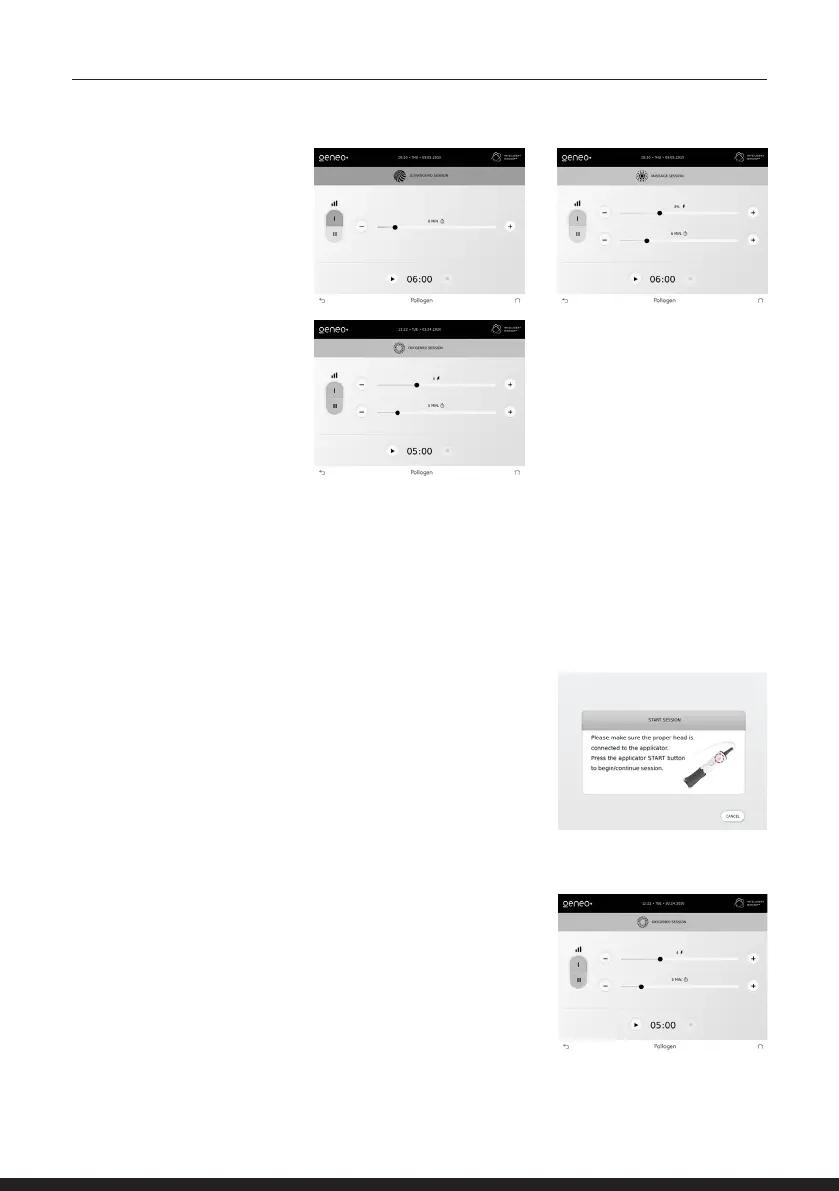
Each session has a set
of recommended default
parameters which can be
adjusted before commencing
the session.
The default parameters
represent Pollogen’s
recommended parameters
for the session.
Adjust parameters by
moving, the slider right to
increase, left to decrease or
pressing on the “+ “or “-” key
on the screen accordingly.
START SESSION
Tap PLAY to start a session.
The Green LED will blink indicating that Oxygeneo session was
selected and the program is loaded to the applicator.
The system will guide you to ‘Press the applicator START button
to begin session’
Once pressed, the Blue LED lights ON, indicating that a
treatment program is running.
Once a treatment program is running, all keys will become dim
and you will not be able to edit the session parameters.
You may follow the Session progress bar on the screen.
The system will beep 1 minute before sessions end. This alarm
cannot be muted/switched o.



 To Next Page