geneo+U
20
PAUSE SESSION
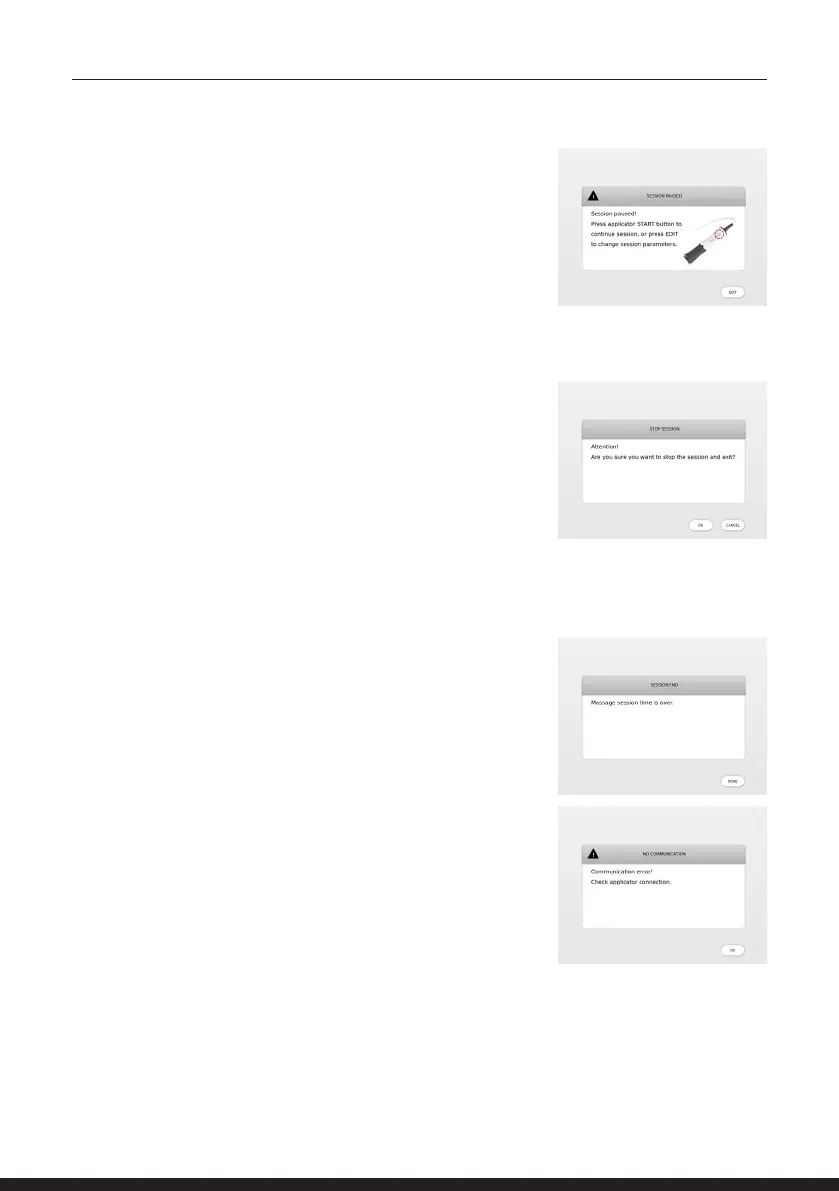
To edit session parameters after commencing a session, pause
the session using the START button on the applicator. A screen
will appear saying ‘Session Paused! Press applicator START button
to continue session, or press EDIT to change session parameters.’
This will enable the control keys on the touch screen, and you
will be able to edit the session parameters on the screen.
STOP SESSION
To stop session, tap the END key on the screen.
The system will indicate ‘Attention! Are you sure you want to
stop the session and exit?’
Tap CANCEL to continue the current session or EXIT to continue
to the next session.
END SESSION
Once the session time is over, the system will indicate it on the
screen and will beep twice. You will be requested to tap DONE to
continue to the next session.
NO COMMUNICATION
During treatment, the System is continuously checking
proper connection of the operating applicator. In case of a
connection failure, the System will display a warning message
‘Communication error! Check applicator connection’.
Press OK to continue.
You will be allowed to continue only if the applicator is properly
connected.



 To Next Page