Menu
1.When the printer is powered on, press both the Power button and the Feed
button to enter the Menu.
2.Press the Power button to change to the next setting and press the Feed
button to change the specific setting.
3.The settings will cycle as follows:
Density: 1(lowest)/2/3/4(highest)
Paper: Receipt/Back Black Mark/Label/Black Mark 2”/
Black Mark 3”/ Black Mark 4”
Feed with closed cover: On/Off
Standby time
Power-off time
Self-test page printing
Port information printing
Label learning
Bluetooth: On/Off
Commandset: CPCL/ESC
Factory: OK/Cancel
Quit the menu
Notes:
Before entering the menu, disable Bluetooth connection.
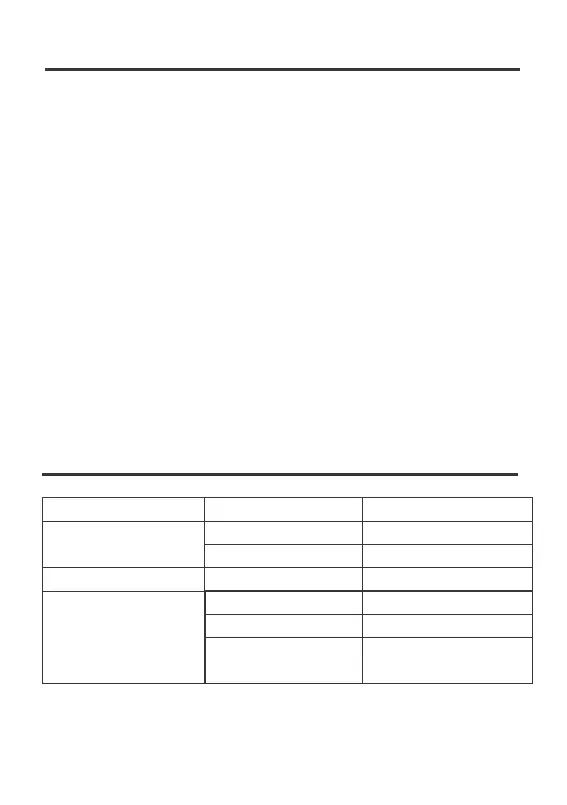
Troubleshooting
Display off, indicator off,
printer not working
Not printing
Printing missing
Print head is not clean
Cover not closed
Low battery
Paper loaded incorrectly
Low battery
Printer is in Sleep mode
Problem Possible Cause
Solution
Press the Power button once
Charge for more than 1 hour
Reload the paper correctly
Charge for more than 1 hour
Close the cover again correctly
Clean the print head with soft
cloth and alcohol
05



 To Next Page