PL60 User Manual
3.3 Paper Sensor
When printing, the paper needs to be detected by the label detector. For different
types of paper, the detector is located in a different position. Using the wrong
detector position will cause the printer to skip pages while printing. To avoid this
situation, refer to the following descriptions of paper types and their corresponding
detector positions.
3.3.1 Label
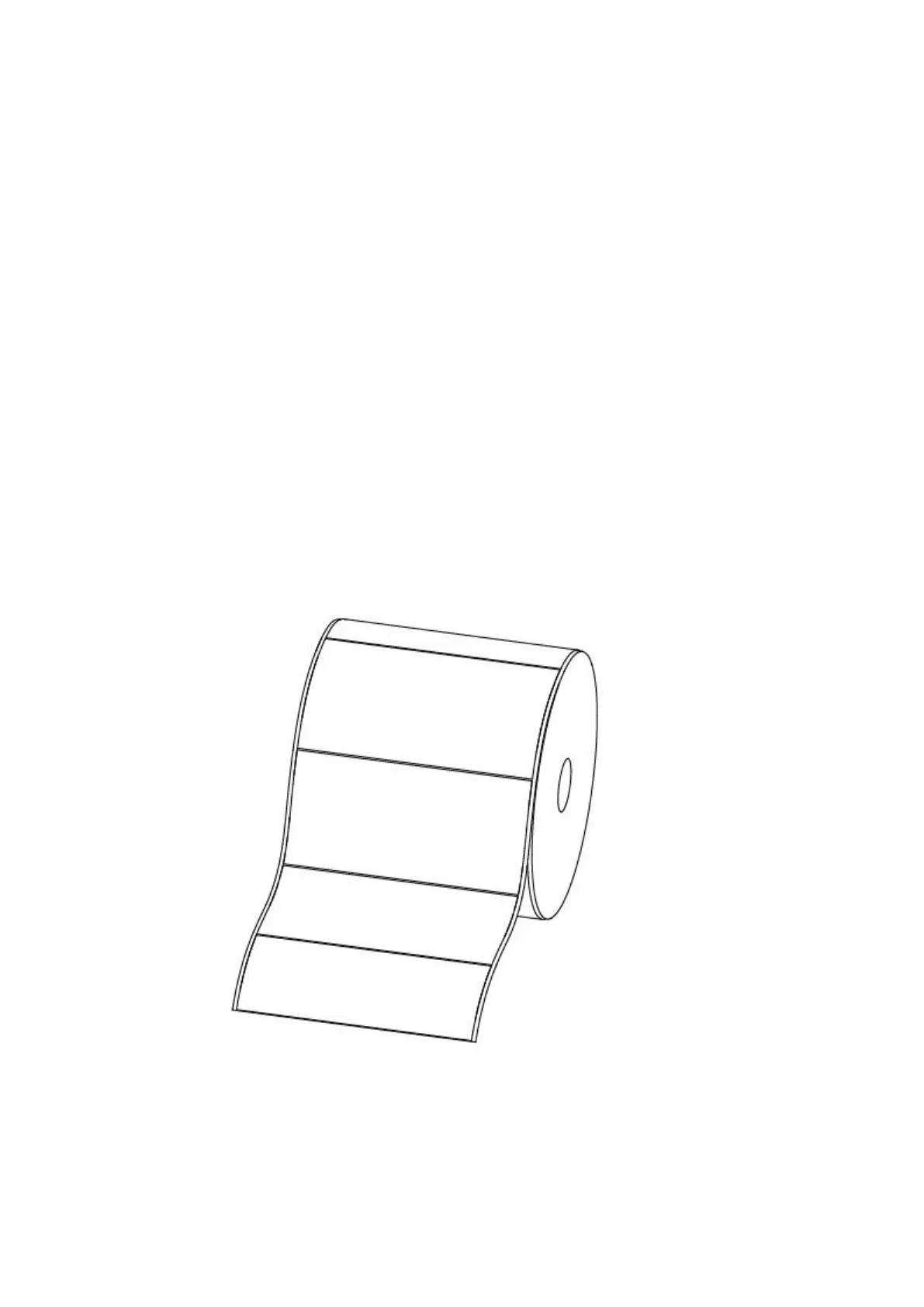
When using label paper (figure I), the detector should be aligned to the triangle
below (figure II), where the detector is in its initial position.
Figure 1


 To Next Page