PL60 User Manual
5.3 Installation
Warning: There may be some differences depending on the operating system,
but the same steps will apply. If you encounter any issues running the installer, you
may need to disable your security software.
1.Connect the printer to the computer.
2.Power on the printer and check if the printer is connected to the computer.
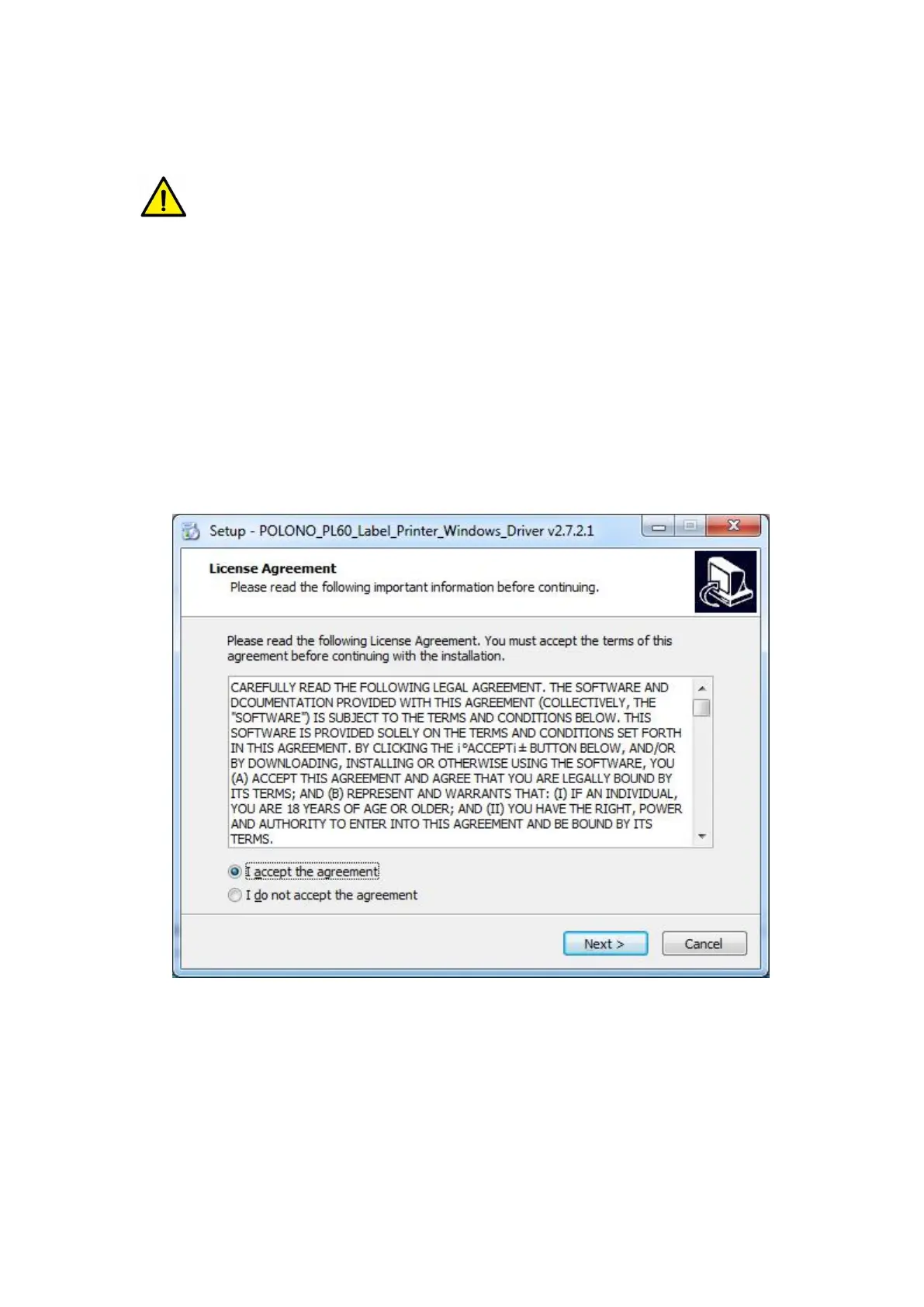
3.Open or run the Windows Driver.
4.Read and accept the license agreement. Then click “Next”.


 To Next Page