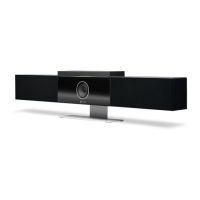
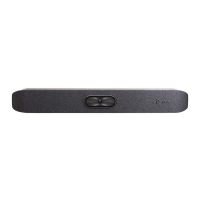
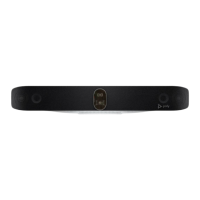
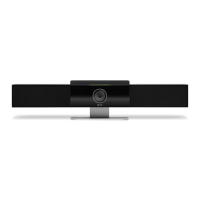
Safety and Regulatory Notices | Poly Studio R30 USB Video Bar Version 1.0.0
Poly 9
Mexico
IFETEL RF Statement
“La operación de este equipo está sujeta a las siguientes dos condiciones:
(1) es posible que este equipo o dispositivo no cause interferencia perjudicial y
(2) este equipo o dispositivo debe aceptar cualquier interferencia, incluyendo la que pueda causar su
operación no deseada.
Poly Take Back
In addition to any mandated take back requirement, Poly offers free recycling of its branded products to
business users. Detailed information is available at
https://www.poly.com/ie/en/company/corporate-
responsibility/environment/takeback-recycle-program


 To Next Page