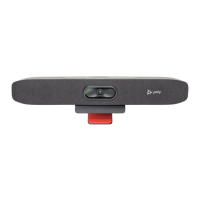
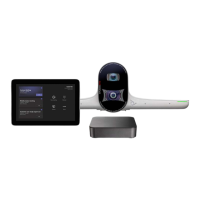
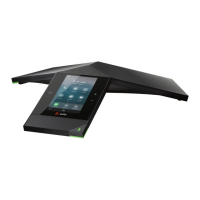
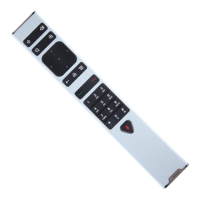
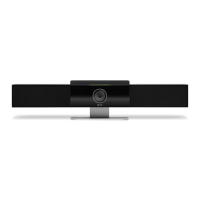
Poly Small Room Kit with Poly Studio R30 and HP PC
SETUP SHEET
See the Regulatory Noces for all regulatory and safety guidance prior to conguraon.
Avant de procéder à la conguraon, veuillez consulter les Avis de réglementaon, an de prendre connaissance des recommandaons en maère de sécurité et de réglementaon.
Get Started
Before you begin, make sure that you have the following:
• Display HDMI cable(s)
• Phillips #1 screwdriver and athead screwdriver
• (Oponal) EDID emulator (see step 7)
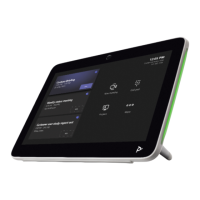
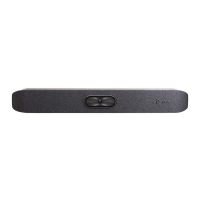
Unpack the Poly Studio R30, Poly GC8, HP PC, and 10 m USB-A to USB-C cable from their boxes. Note that the HP PC is shipped separately.
poly.com/setup/poly-room-kits
3725-13661-001A

 Need help?
 General

 To Next Page