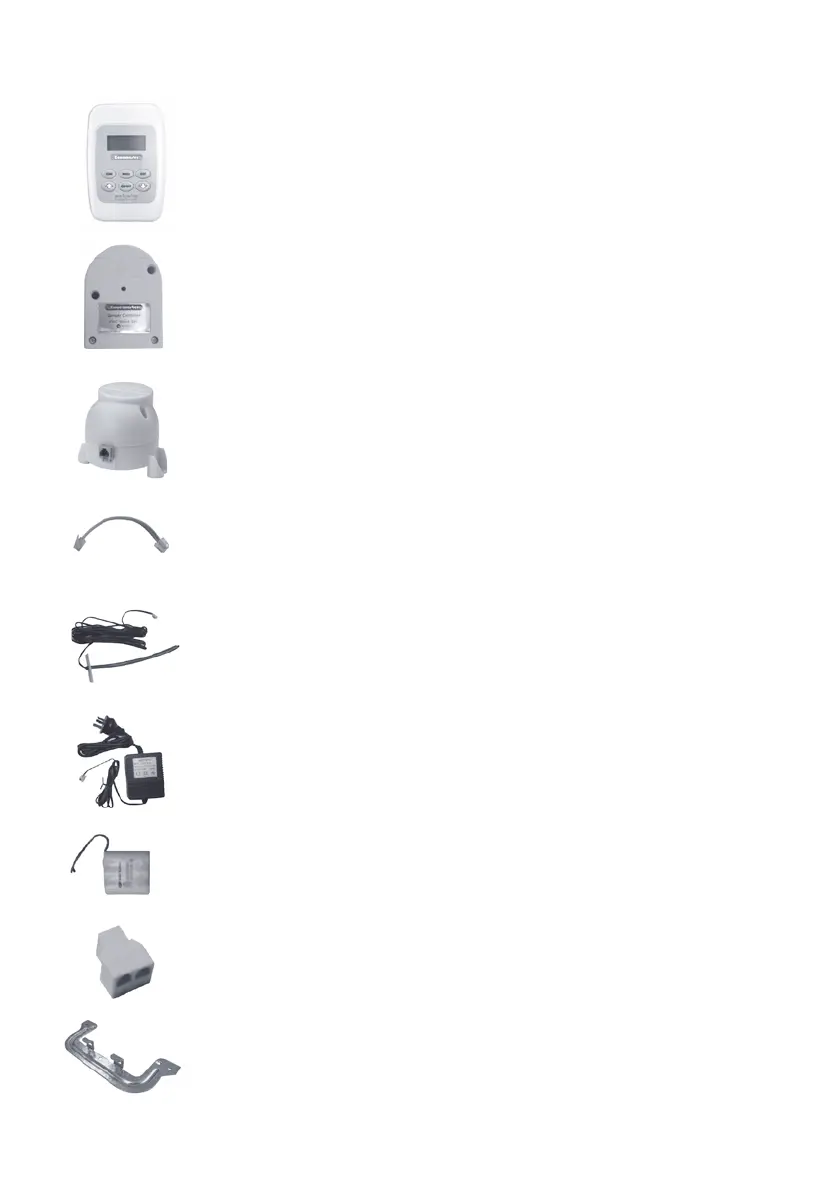
COMPONENTS
1) Touchpad
User can input control commands from the touchpad to
turn a zone on or off. The LCD on the touchpad displays
clock, room temperature and zone status.
2) Damper Controller
Damper controller receives control signal from the
touchpad to turn on/off the zone. Each damper controller
hasauniqueaddressidentiedbythetouchpad.
3) Motorised Damper
Motorised damper drives the blade of the damper to turn
on/off the air from ducting to a zone.
4) BridgeCable
Bridge cable connects the damper controller and the
motorised damper together.
5) Supply Air Sensor
Supply air sensor measures the temperature of the
supply air for safety purpose.
6) Power Supply
The 24VAC transformer provides power to the touchpad
and damper controllers.
7) Battery
3.6 V rechargeable battery for real time clock backup.
8) Double Adaptor (Optional)
It can be used to connect the touchpad with the
control bus to shorten the length of the cable.
9) MountingBracket
Page 2



 To Next Page