Host a Conference
To host a Conference call:
1.Dial the first participant
2.When participant connects press the Menu
button to view conferencing options.
3.Select Add Others
4.Dial additional participants number.
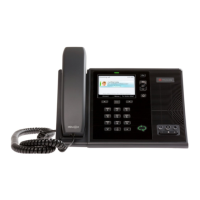
A conference occurs when 3 or more participants are on a call. You can host a
conference call at any time using the CX600, by inviting additional participants.
Additional Conference Menu options:
• Close Roster
• Enable Announcements
• Help
To mute your audio during a conference call:
• Press . Your audio is muted and the call
participants cannot hear you.
To mute the audience during a conference call:
• Select Menu > Mute Audience, as shown
next.
• You can no longer hear the audio from the
other call participants.
To remove a participant from a conference call:
• 1 Select a participant.
• 2 Press Menu > Remove, as shown next.
• The participant is removed from the
conference call.




 To Next Page