DOC2207A RSS 2000 V3.0 Getting Started guide - Release Note - Final - February 26, 2008.doc
Additional Language Support
If you need 3.0 to support additional language (Not English/Chinese/Japanese) ,you need to
follow this process .
Image version check
Please check RSS2000 image version following the commands below firstly. Only RSS2000 with
image version 5 or above can be upgraded with additional language support.
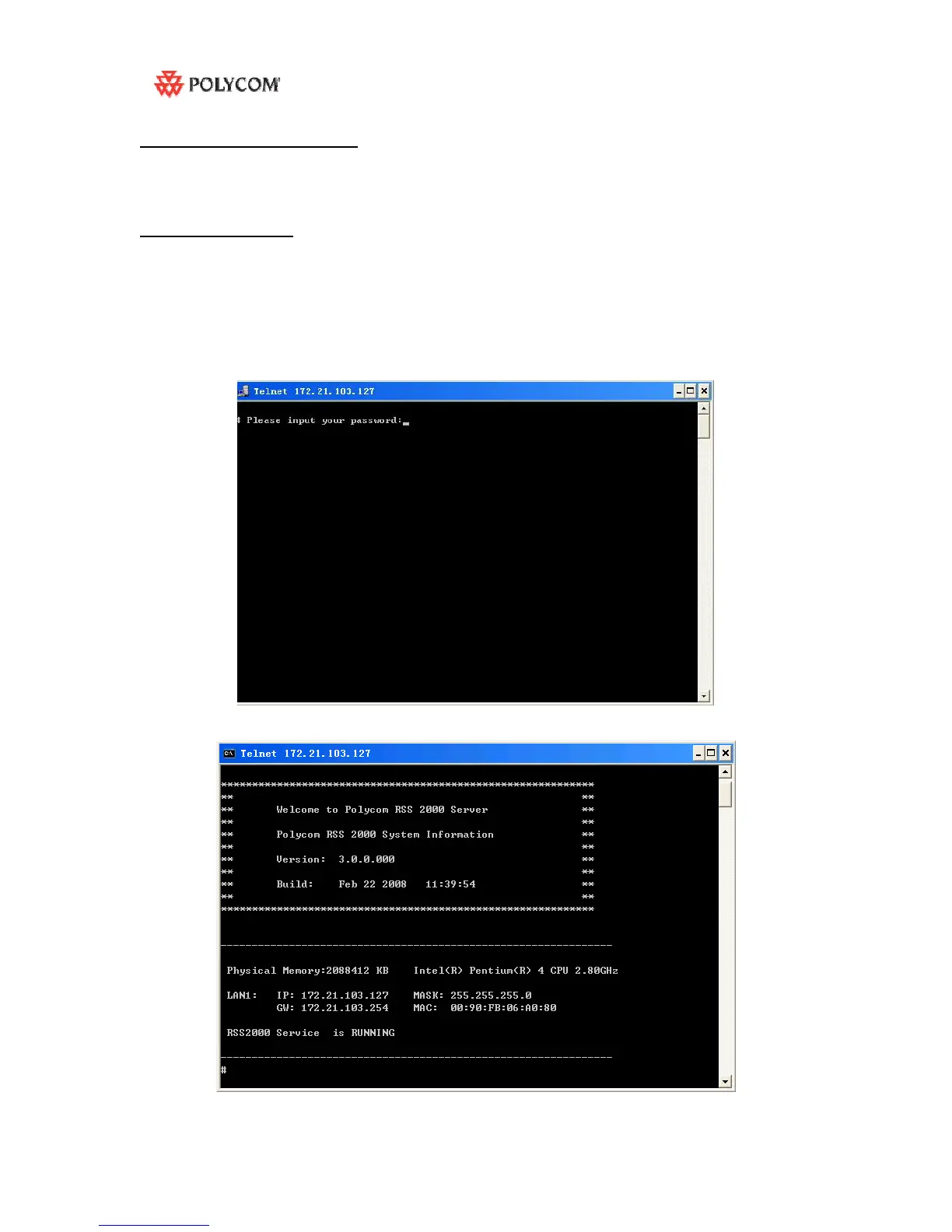
1: Click on Start>Run>Enter “telnet 172.21.103.127 23” (without quotation marks), and Click OK.
NOTE: The IP address above is for EXAMPLE ONLY. Please replace it with your RSS2000 IP
address.
2: You will see a command prompt window after the command is executed. The window should
look like below.
3: Enter the password for your RSS2000. Default password is polycom , then a system welcome
screen appears.



 To Next Page