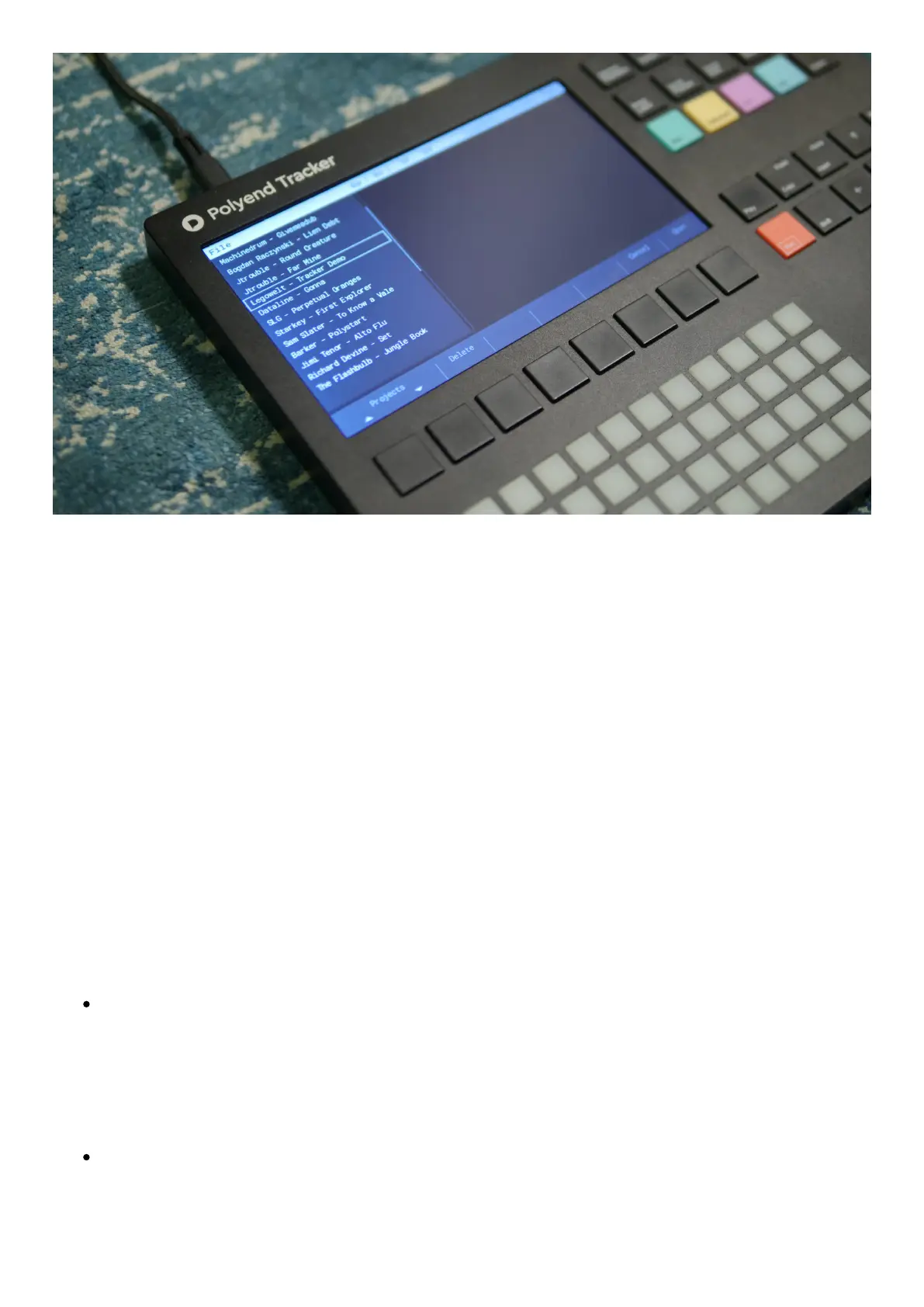
Use theFilekey to access all the operations performed onprojectfiles.
New project> create a new project.
Open> use arrow keys to select the desired project name. Use theOpen screen button or
Enter function key to load it. Use the Delete screen button on the selected projects to
remove them from the micro SD card.
Import mod files.
Save> save a project.
Save as> save another instance of a project,
Export >export song, song stems, chosen pattern, chosen pattern stems, export to .it file.
Important:
The work you do on a project is constantly autosaved. When a project is named and
ready, or even while working on a default “blank” project – everything that is being
done is being automatically saved. There is no need to remember to save all the time. It
is normally possible to recover current work even when Tracker was accidentally
switched off.
When copying project folders to the SD card, their folders need to be placed directly in
the Projects folder. Project subfolders won’t be displayed by the browser.



 To Next Page