Redo– reverses the undo or advances the buffer to a more recent state,
More – gives access to a set of another 8 functions,
Invert – vertically inverts all the sequence steps within the selection,
Duplicate pattern – doubles the length of the pattern and automatically duplicating all
the existing steps,
Expand pattern – doubles the length of the pattern by adding empty steps in between
existing ones,
Shrink pattern – divides pattern length by two by deleting each second step,
Copy pattern is copying the entire current pattern,
Paste pattern is pasting the entire current pattern,
More – gives access to a set of previous 8 functions,
All the above functions are explained in details in the sections below.
What is a step?
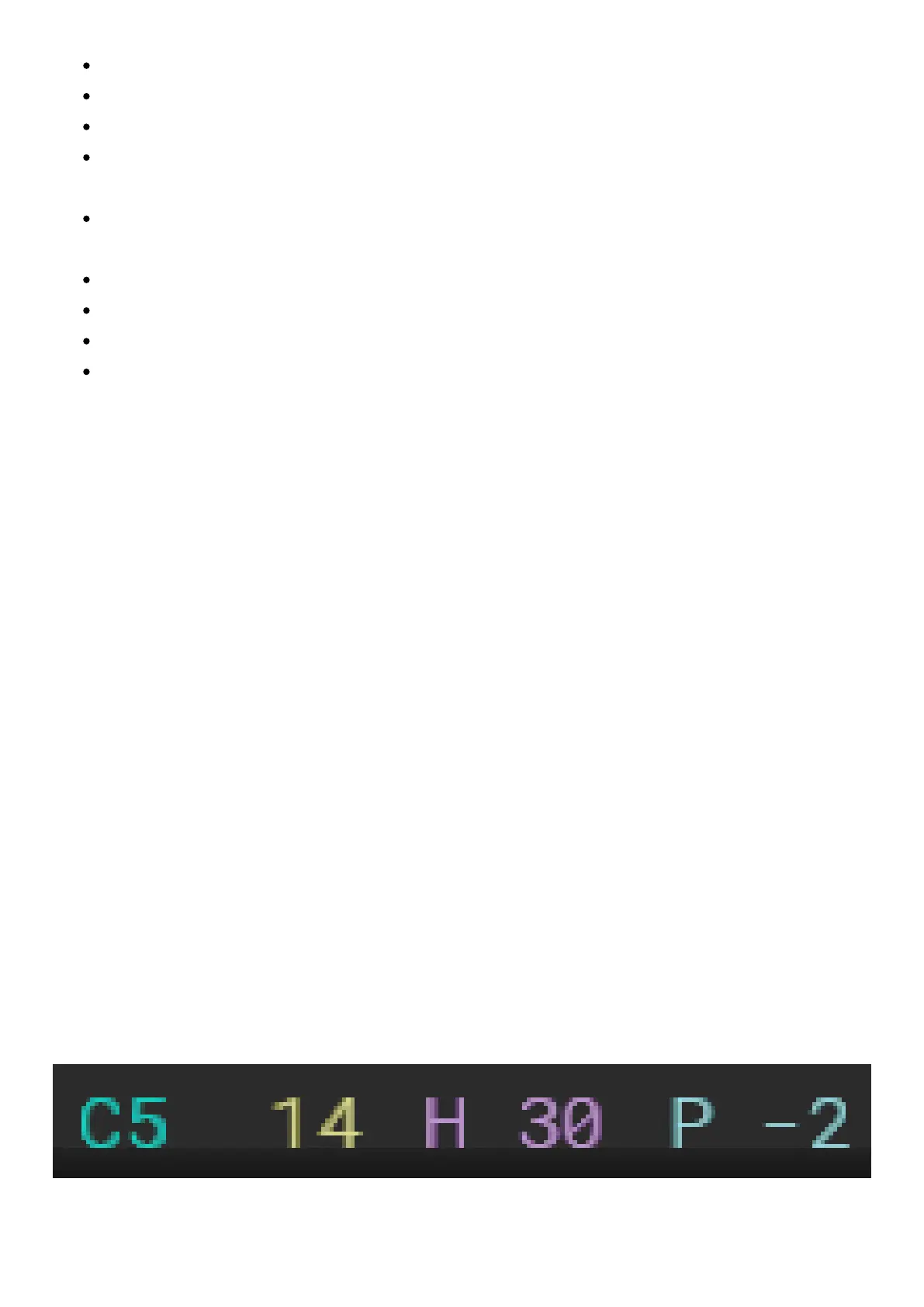
A step is aNote,anInstrumentnumber and two Fx. These four values are displayed as a
line of colored characters that correspond to thecolored Functionkeyslocated on the right
side next to the display. Use them to toggle between step properties.
Eachstep can be set to triggertheinternal audio sample-based instrument or an external
MIDI instrument.
To seta selected step instrument to MIDI > navigate jog-wheel in the left direction > after
the project instrument 01 it will access MIDI instruments from M01 to M16 (which represents
the MIDI channels).
Jog wheel scrolling in the right direction will access theproject sample-based instruments
from 1 to 48.
The MIDI instrument numbers will be displayed with a different type of font than the one
used for internal instrument numbers.



 To Next Page