Get on the bicycle and start riding
Turn the pedals to start assist.
4
Turn the power OFF and park your bicycle
when you arrive at your destination
5
HOW TO HANDLE
AN ASSIST BICYCLE
QUICK GUIDE
MAKING WALKING AND PUSHING
THE BICYCLE EASY (WALK ASSIST)
QUICK GUIDE
If nothing is done for one minute after switching
to walk assist mode, it will switch back to the
assist mode that was selected before switching.
TECH TIPS
SHIMANO STEPS has a function where assist works
even when you are walking and pushing the assist bicycle.
Depending on the region of use, you may not be able to use it due to the
laws of the region. In this case, the operations described here are disabled.
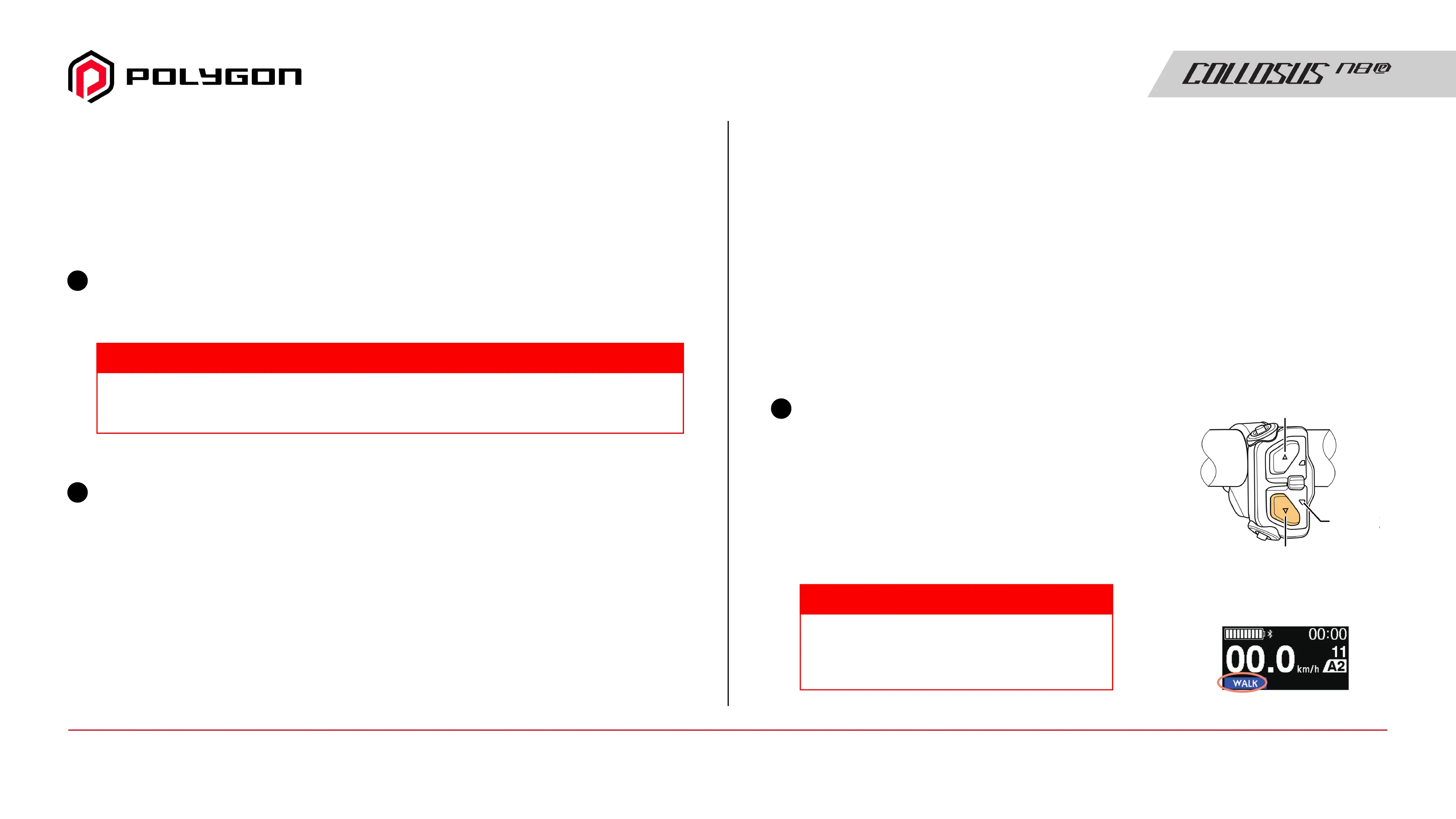
Stop and switch to walk assist mode
Press and hold Y on the assist switch
(left side of the handlebar)
until it reaches the following state:
• Cycle computer: [WALK] is displayed
• 3-switch type: LED2 lights up blue
1
5-switch type
LED2
(Blue)
X
Y
Cycle computer example
Be sure to learn the brake control characteristics and other characteristics.
Brake handling may vary slightly depending on the bicycle you are using.
CAUTION
Manual Guide16 / Quick Guide - Making Walking and Pushing The Bicycle Easy



 To Next Page