Resetting ink chips and installing ink cartridges
• Before starting the ink filling procedure, reset all the refillable cartridges.
Each time you receive a message that one cartridge is empty, repeat the
resetting. Do the same to the Waste Ink Tank (4).
• To reset the cartridges, place the Chip Reseter towards the Cartridge’s
chip, and hold it until the green light comes out. It takes about 3 sec.
• Put the appropriate cartridge to the printer cartridge slot (7) with the
lever up, according to the stickers on the cartridges and the slots.
Cable connections
• Note: Do not connect the printer with the USB cable to the computer,
before installing the Epson 4880 printer driver
.
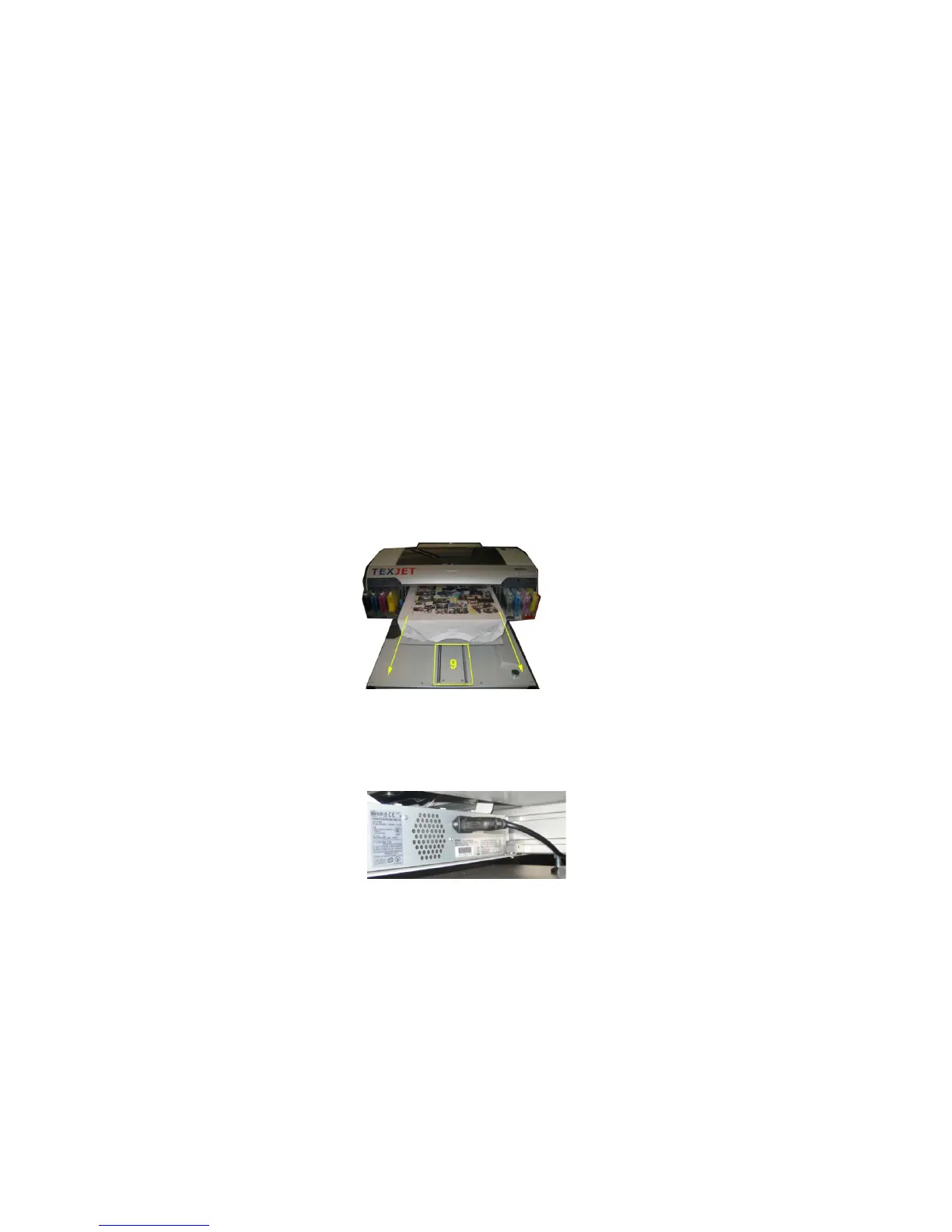
• Before connecting the power cable, move the plate to the front position
manually as shown in the picture. Make sure that the plate guide (9) is
clear
• Connect the power cable and switch on the printer by pressing the button
(10) on the Epson panel.



 To Next Page