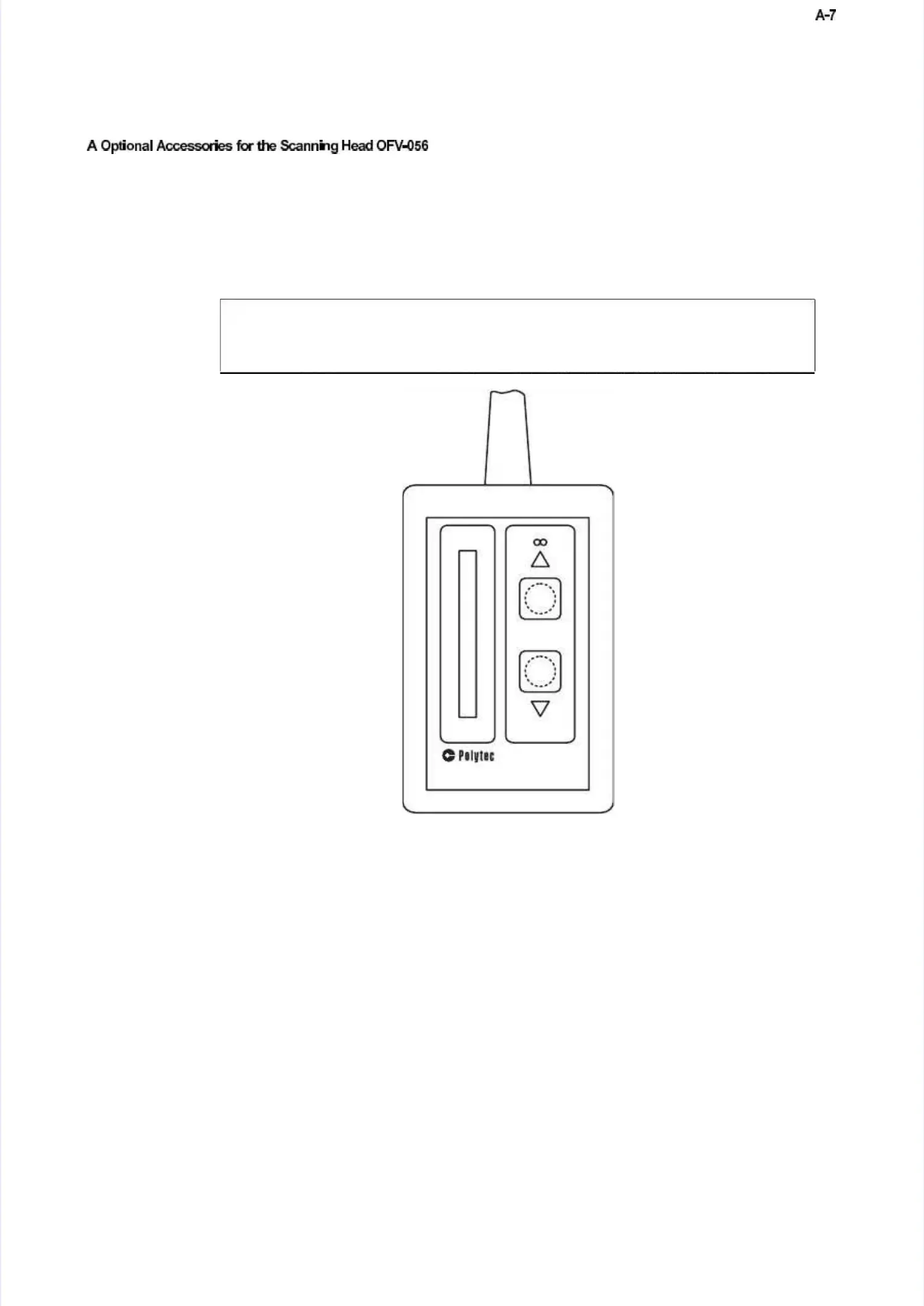
You can focus the laser beam using the optional hand set OFV-310 shown inYou can focus the laser beam using the optional hand set OFV-310 shown in
fig
figururee A.A.77..
The optional hand set OFV-310 is connected to the jack REMOTE FOCUS onThe optional hand set OFV-310 is connected to the jack REMOTE FOCUS on
the back of the controller. Using the two keys, the laser beam is focused asthe back of the controller. Using the two keys, the laser beam is focused as
follows:follows:
If you press the keys for more than approximately one second, the motorIf you press the keys for more than approximately one second, the motor
switches over to fast mode. For fine positioning, the keys can be repeatedlyswitches over to fast mode. For fine positioning, the keys can be repeatedly
pressed briefly. At the end of the adjustment range, the motor stopspressed briefly. At the end of the adjustment range, the motor stops
automaticallautomatically and y and the respective directional symbolthe respective directional symbol
∆∆
oror
∇∇
lights up.lights up.
There is also a signal level display on the hand There is also a signal level display on the hand set which helps you toset which helps you to
optimize the focus. The signal shown is identical to optimize the focus. The signal shown is identical to that on the scanning that on the scanning headhead
and on the display of the controller.and on the display of the controller.
use the optional hand set OFV-310 together with the hand set PSV-Z-051 (refer touse the optional hand set OFV-310 together with the hand set PSV-Z-051 (refer to
sec
sectitionon 5.5.66)) !!
Figure A.7: Hand set OFV-310Figure A.7: Hand set OFV-310
FFooccuussiinng g oon n iinnffiinniittyy:: kkeeyy
∆∆
FFooccuussiinng g cclloossee--uupp:: kkeeyy
∇∇



 To Next Page