19
12.1 Programming of SAT input frequencies
For newer modules (e.g. SPM-UTCT; SPM-STCT-CI) the appropriate transponder
frequency can be entered as the input frequency.
For a few older modules, not the transponder frequency must be entered as the input
frequency of the satellite modules, but the difference between the transponder
frequency and oscillator frequency of the LNB.
12.2 Programming of DVB-C and DVB-T input frequencies
Unlike the analogue terrestrial area, the channel center frequency is entered as the
input frequency, and not the video carrier.
Example:
Channel bandwidth channel center frequency
Channel 24 = 494 … 502 MHz = 498 MHz
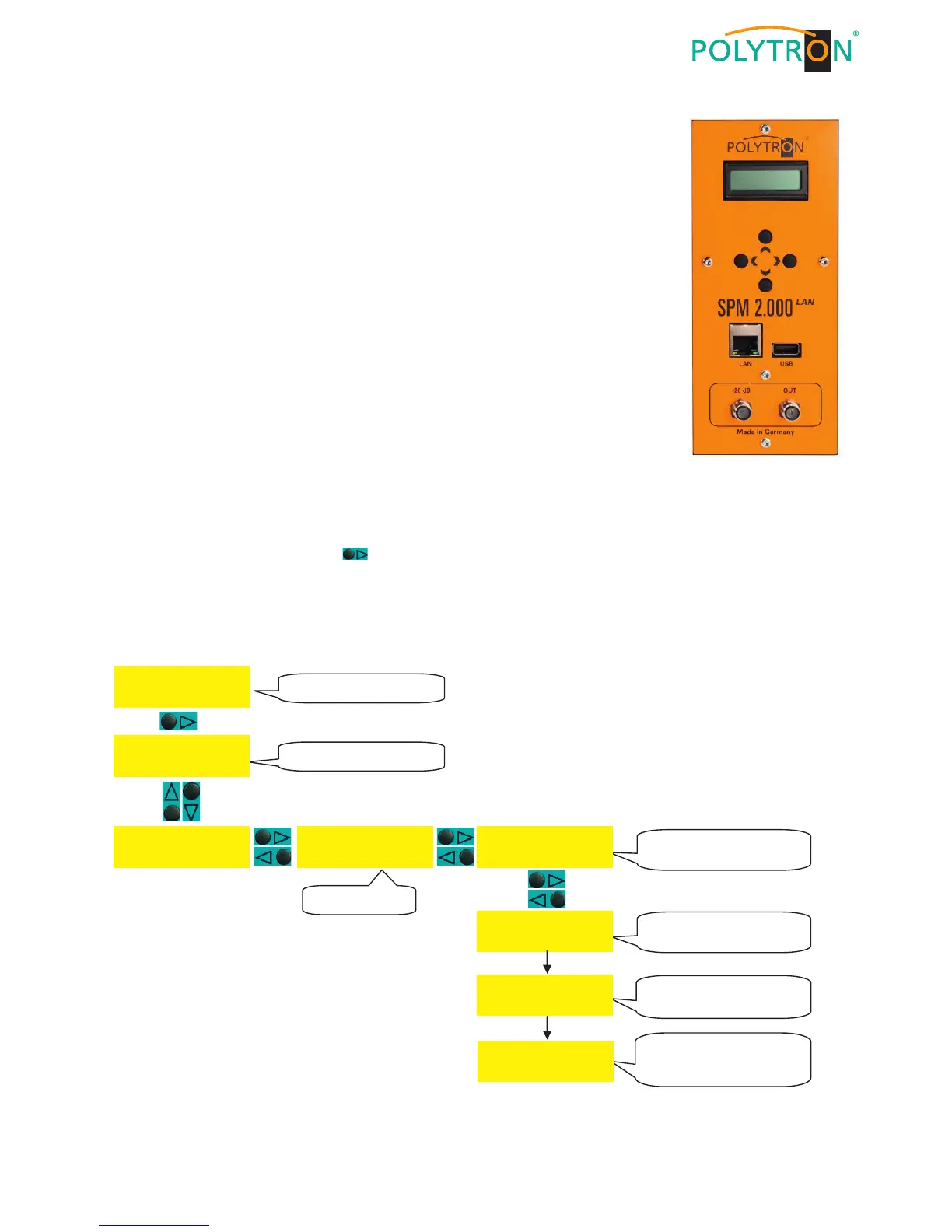
Figure 8 Control Unit
12.3 Activating the default setting (factory setting)
In standby mode, press the button (right) until the display shows Program/Service. Now call up the factory set-
ting according to the following program flow. The functions of the SPM 2000 LAN are checked then and the factory
settings will be restored. The routine is completed if the headend jumps back again in the standby mode automati-
cally, shown in the display.
12.3.1 Program sequence "factory setting"


 To Next Page