20
12.4 Programming of modules
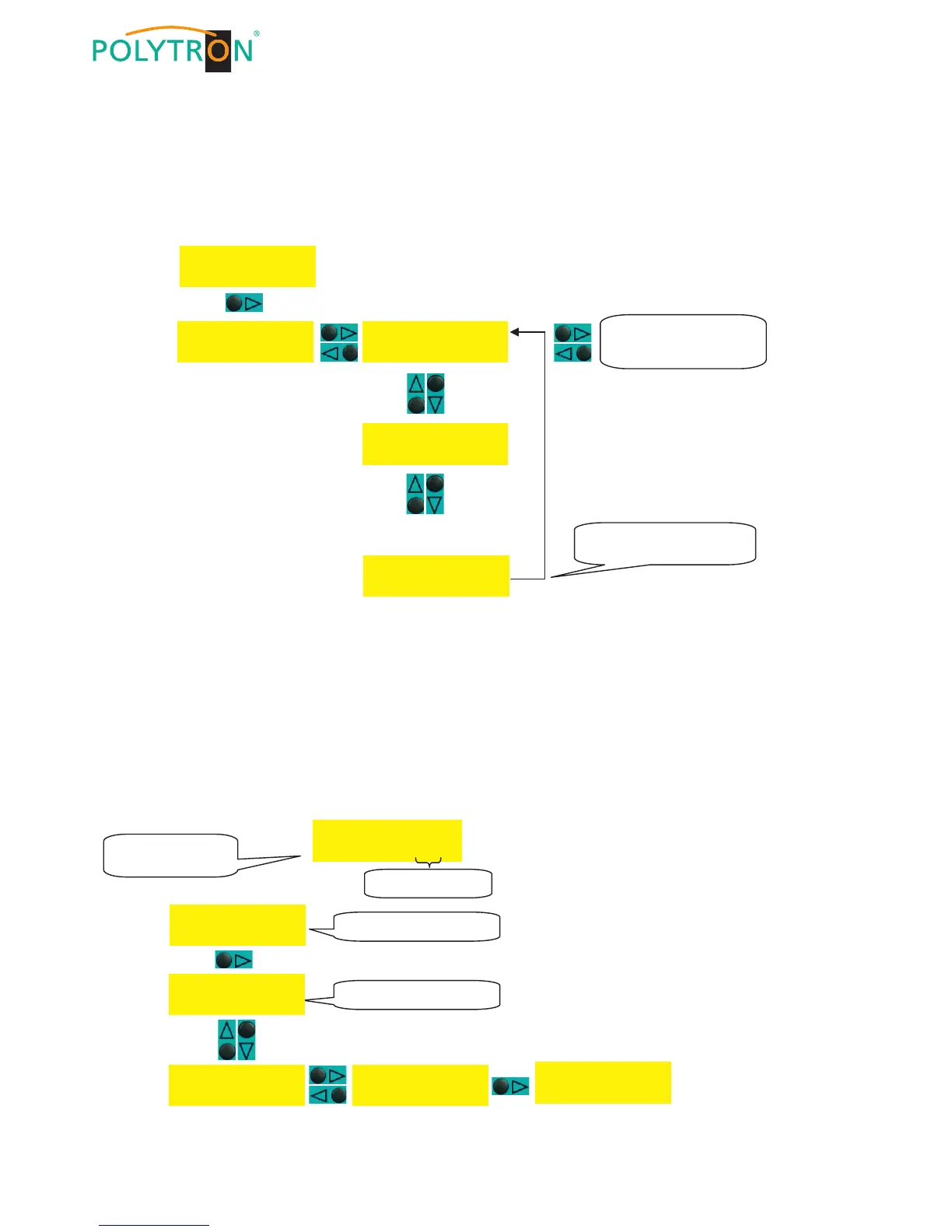
Below procedure shows how to select one of the 10 module slots and thus the corresponding module.
The programming of the modules is described in the respective operating instructions.
NOTE
If the software does not detect a new module then the slot of this module is not displayed (skipped) while scrolling up
or down, i.e. the firmware needs to be updated (see section 12.6).
12.5 Save/Load data via USB stick
1) Plug in an USB stick in the stand-by mode.
2) Go to menu point “Service” and to “Copy settings“
3) To save the data on the USB stick select the menu point “Export data“.
4) To load the data from the USB stick select the menu point “Import data“.
5) The display shows “Loading Settings“ respectively “Save Settings”.
6) After approx. 20 seconds the SPM 2000 LAN will return to stand-by mode.
NOTE
Digital modules must then be reprogrammed because only the data in the base unit is updated.


 To Next Page