21
12.6 Software update SPM 2000 LAN via USB stick
1) Download new Firmware from Polytron homepage www.polytron.de.
2) Copy file SPM2000_XX.UC3 to the root directory of the USB stick.
3) Plug the USB stick into the USB port of the SPM 2000 LAN.
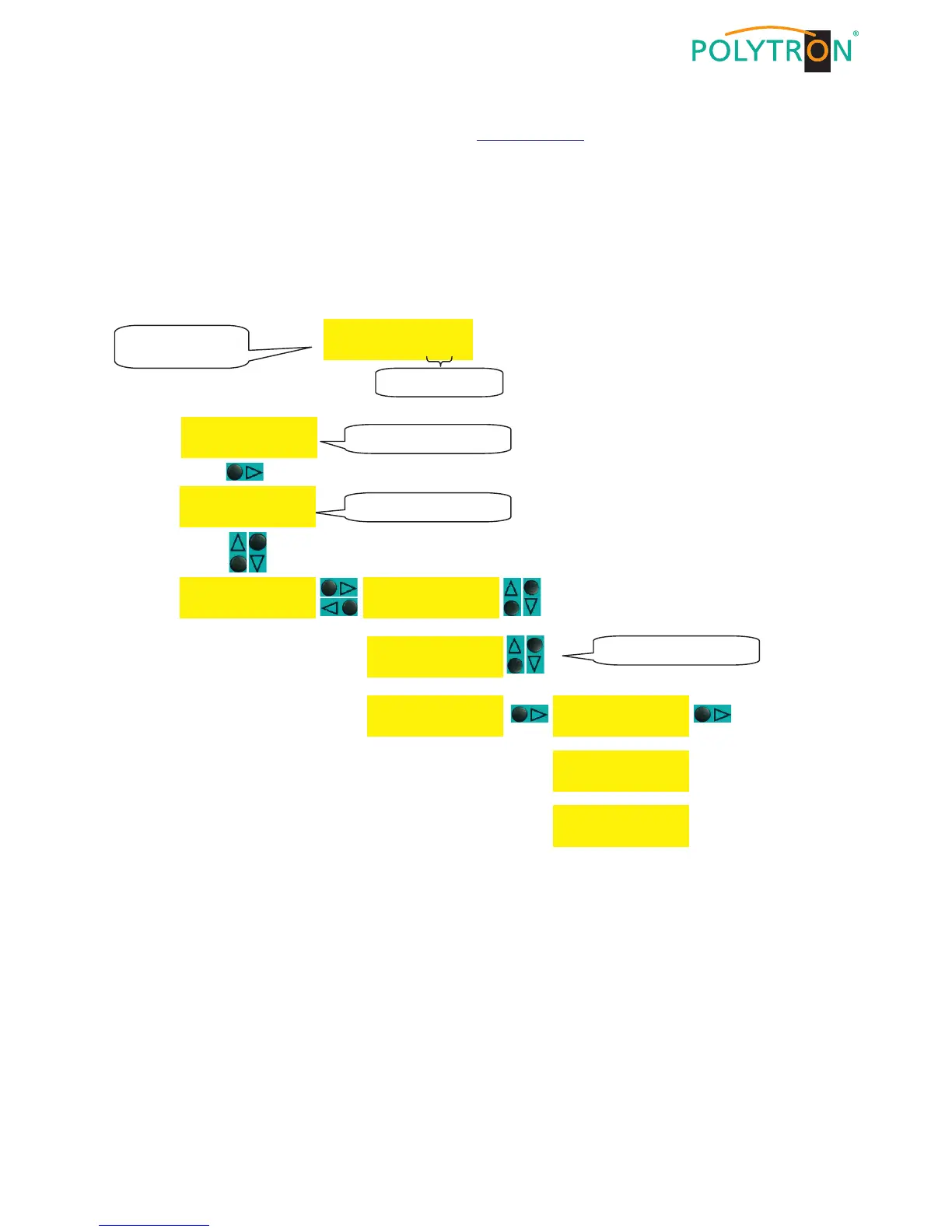
4) Open the update menu (see below).
5) Confirm update.
6) Wait until update is finished.
7) Remove USB stick.
After switching on the headend and take-over of the data the display shows the stand-by mode and the new soft-
ware version number.


 To Next Page