24
16 Settings on the base unit SPM 2000 LAN
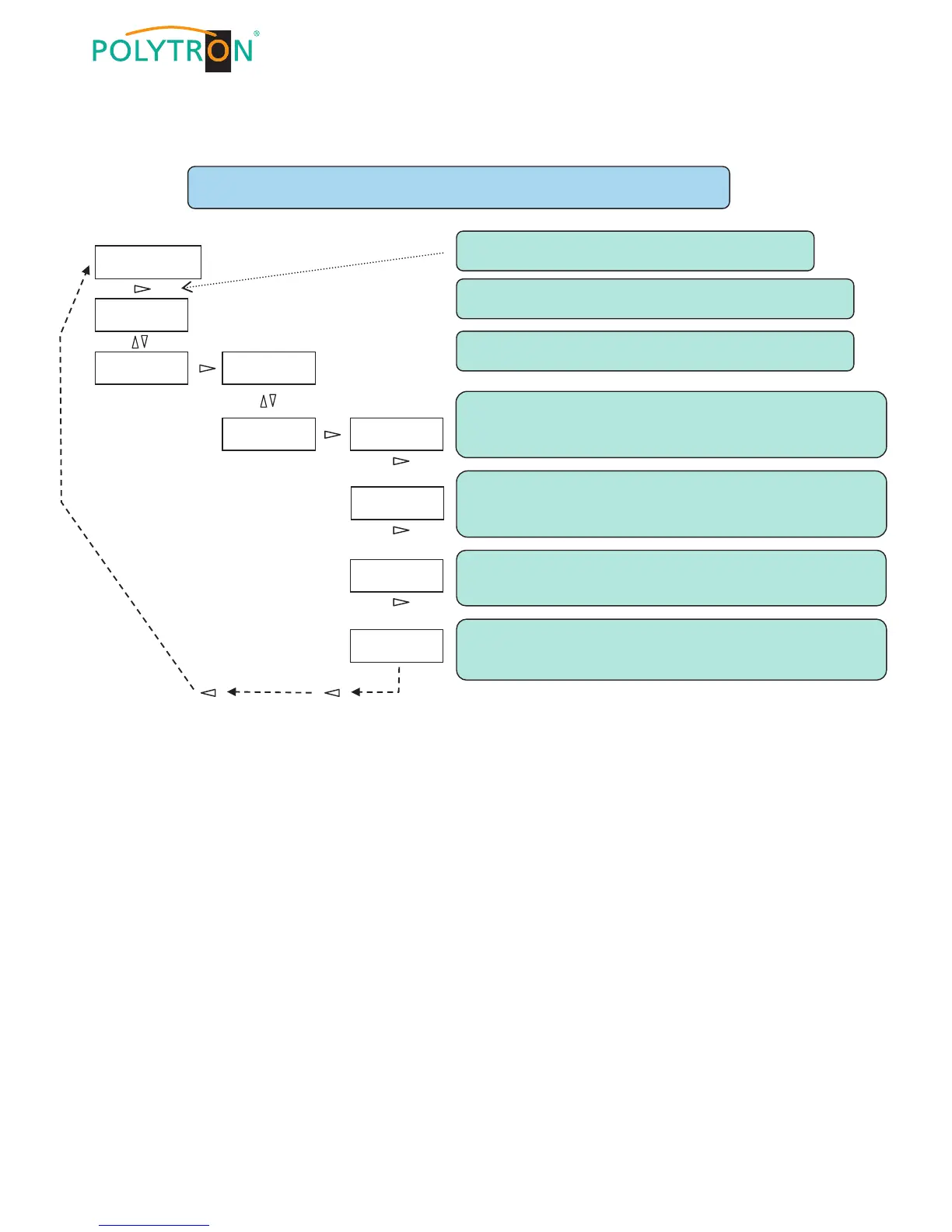
Choose individual digit of the IP address by ◄► and select number by ▼▲.
Attention: by pressing ► at the end of the line the data will be confirmed!
Select Service mode by ▼▲ and confirm with ► !
► Press and hold until display is enabled.
◄ : back ► : forward + confirm ▼▲ : up + down (scroll)
Select LAN settings by ▼▲ and confirm with ► !
Polytron Headend
SPM 2000 LAN X.X.
← LLAN settings →
↨ Reset
IP Address →
192.168.x.xxx
Subnet Mask →
255.255.255.xxx
Choose individual digit of the Port by ◄► and select number by ▼▲.
Attention: by pressing ► at the end of the line the data will be confirmed!
Choose digit of the Subnet Mask by ◄► and select number by ▼▲.
Attention: by pressing ► at the end of the line the data will be confirmed!
Choose digit of the Gateway by ◄► and select number by ▼▲.
Attention: by pressing ► at the end of the line the data will be confirmed!
Enter the gateway address of the router.


 To Next Page